
Close Menu
    Facebook X (Twitter) Instagram
    Latest Tech News in The Philippines
    Facebook YouTube TikTok X (Twitter) Instagram
    BALASTECHBALASTECH
    • Tech News
    • Reviews
    • Gaming
    • Tech Tips
    BALASTECHBALASTECH
    Home»Tech News»Google has released early access for its new Chrome OS Flex
    Tech News

    Google has released early access for its new Chrome OS Flex

    Dante BisaisBy Dante BisaisFebruary 17, 20222 Mins Read
    Facebook Twitter LinkedIn Email
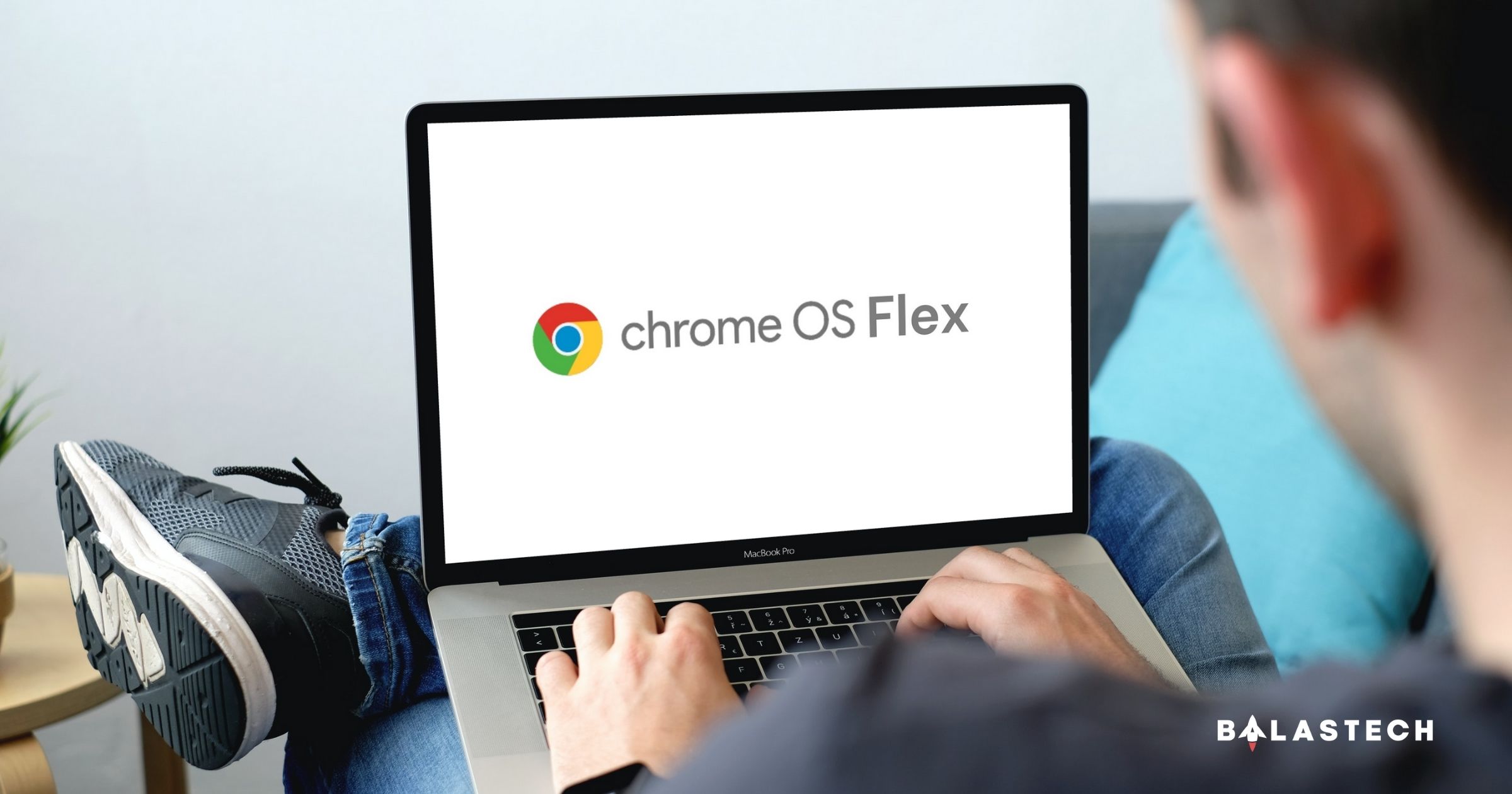
    Chrome OS Flex
    Share
    Facebook Twitter LinkedIn Pinterest Email

    Google has released early access for its new Chrome OS Flex which runs perfectly even on very old computers.

    Chrome OS Flex

    Chrome OS Flex early access is now available!

    Chrome OS is the fast, easy-to-use, and secure operating system that runs on every Chromebook. To recall, Google released their first version of Chrome OS way back in 2011. The first version didn’t include a desktop, a taskbar, or much in the way of settings. It was effectively nothing more than a full-screen browser window. 

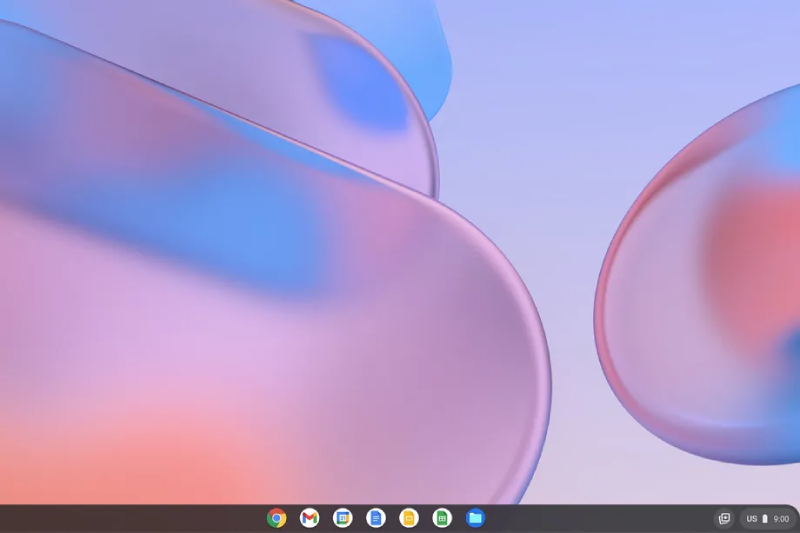
    Chrome OS runs on top of a Linux kernel, it uses cloud computing, thus, it only requires fewer system resources. But later on, Chrome OS became a fully complete and stunningly polished system, now, they released the new Chrome OS Flex.

    This new Chrome OS Flex is a free and long-term alternative for upgrading current devices. It’s simple to deploy across your fleet or simply check it out to discover what a cloud-first OS has to offer.

    Chrome OS Flex

    According to Google, your device will boot quickly, don’t slow down over time, and update in the background. You may also enjoy quick access to VDI and online apps with an easy, clutter-free, and efficient experience. Besides, antivirus software is no longer required because of blocked executables and sandboxing technologies. Meanwhile, IT controls to prevent data loss on lost or stolen devices.

    You can also install this modern OS on your old devices to extend their lifespan to reduce e-waste. Don’t worry because your old machine will not struggle since it is cloud-based computing. In addition, it is also very energy efficient because it is lightweight.

    Moreover, it also included almost all of the benefits of a complete Chromebook without any of the related expenditures or restrictions. All you need is a Windows or Mac system and a USB flash drive to install it. If you want to try the new Chrome OS Flex, just click here.

    Chrome OS Chromebook Google Laptop MacBook PC
    Share. Facebook Twitter Pinterest LinkedIn Email
    Dante Bisais
    • Website
    • Facebook
    • X (Twitter)
    • Pinterest
    • Instagram
    • LinkedIn

    Dante is an Information Technology graduate who is fascinated by technology especially computers. His passion for computers started when he was 11 years old, that inspired him to explore further. Besides writing, he also share his reviews on his YouTube channel.

    Related Posts

    vivo Y31d Launching in PH on May 9 with 7,200mAh Battery and IP68/IP69 Rating

    April 29, 2026

    Your Summer Best Mate: HUAWEI Mate 80 Pro at PHP 64,999 for a Limited Time

    April 25, 2026

    STT GDC Study: Philippines AI Adoption Strong but Scaling Blocked by Infrastructure and Talent Gaps

    April 25, 2026

    HUAWEI WATCH GT Runner 2 is now available in the Philippines for only PHP 19,999!

    April 25, 2026
    Leave A Reply Cancel Reply

    • Facebook 16K
    • Instagram
    • YouTube 38.3K
    • TikTok
    • Twitter
    • LinkedIn
    Latest

    vivo Y31d Launching in PH on May 9 with 7,200mAh Battery and IP68/IP69 Rating

    April 29, 2026

    HONOR Philippines Teases Miss Universe Philippines 2026 Collaboration for Upcoming AI Smartphone

    April 29, 2026

    nubia V80 Max Review: A Solid Entry-Level Phone for Everyday Use

    April 27, 2026
    BALASTECH
    Facebook YouTube TikTok X (Twitter) Instagram
    • Home
    • About Us
    • Contact Us
    • Privacy Policy
    • Terms and Conditions
    Copyright © 2026. BALASTECH

    Type above and press Enter to search. Press Esc to cancel.