



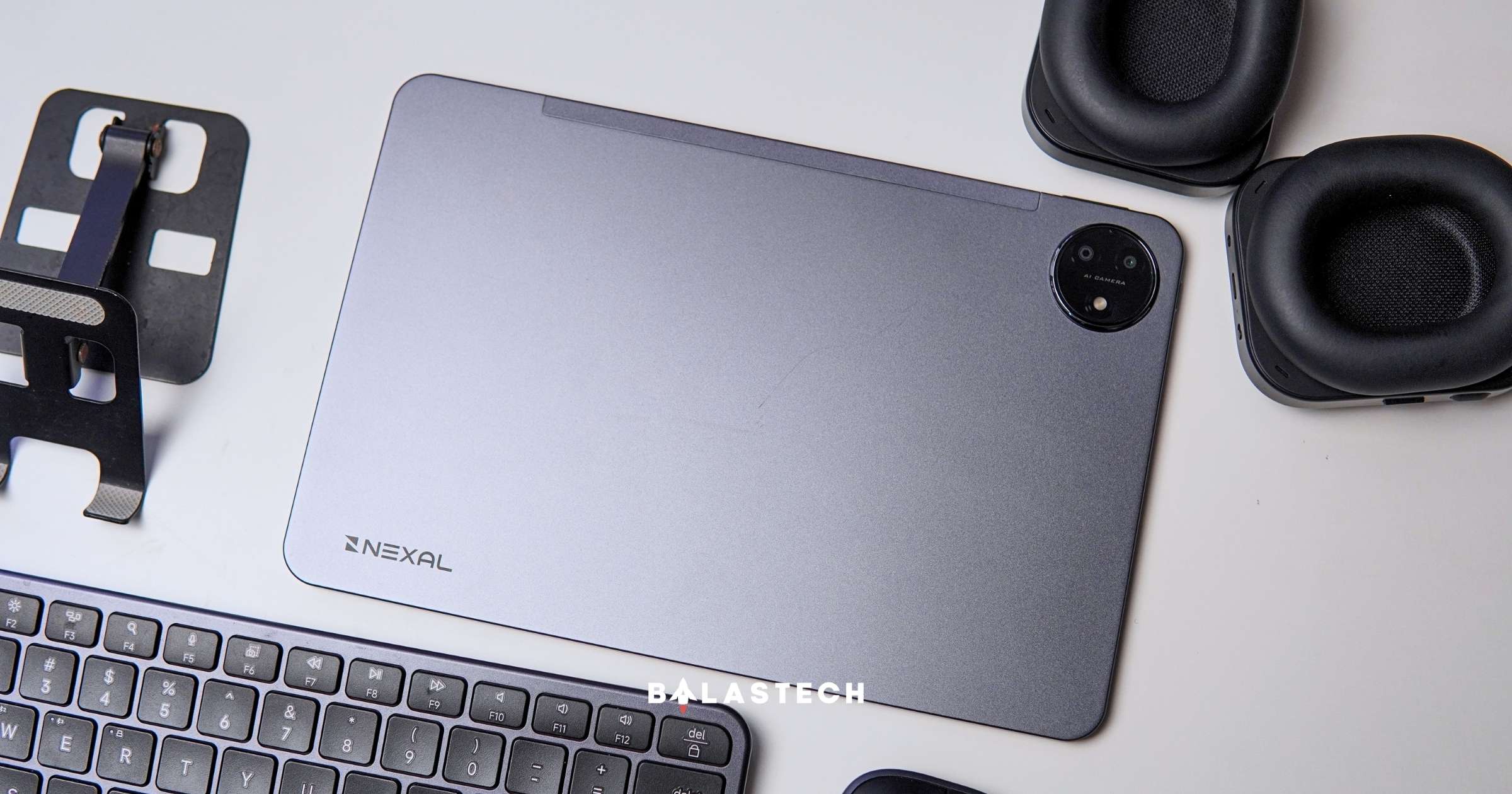
Some tablets look great on paper but become frustrating once you start using them, and the Nexal Pad actually surprised me because my experience has been almost the opposite.
To be honest, I wasn’t expecting much from it, but after spending time using it for social media browsing, multitasking, and some light work, I have found myself reaching for it more often than I expected.
So here are some of the Nexal Pad’s features that stood out to me during actual use.
1. The 11-inch 2.5K Display
The Nexal Pad comes with an 11-inch LCD with a 2.5K resolution and a 90Hz refresh rate.
Using the pad daily, the 90Hz refresh rate helps open and use different apps more smoothly. For me, this matters because a tablet is often something I enjoy using while researching ideas (because, weirdly, a bigger screen makes me feel like I’m seeing and doing more).
I’ll scroll through social media, open references, check something in a browser, jump between different apps, or even do two things at the same time with the split-screen feature, and the Nexal Pad makes those basic interactions feel much more natural.
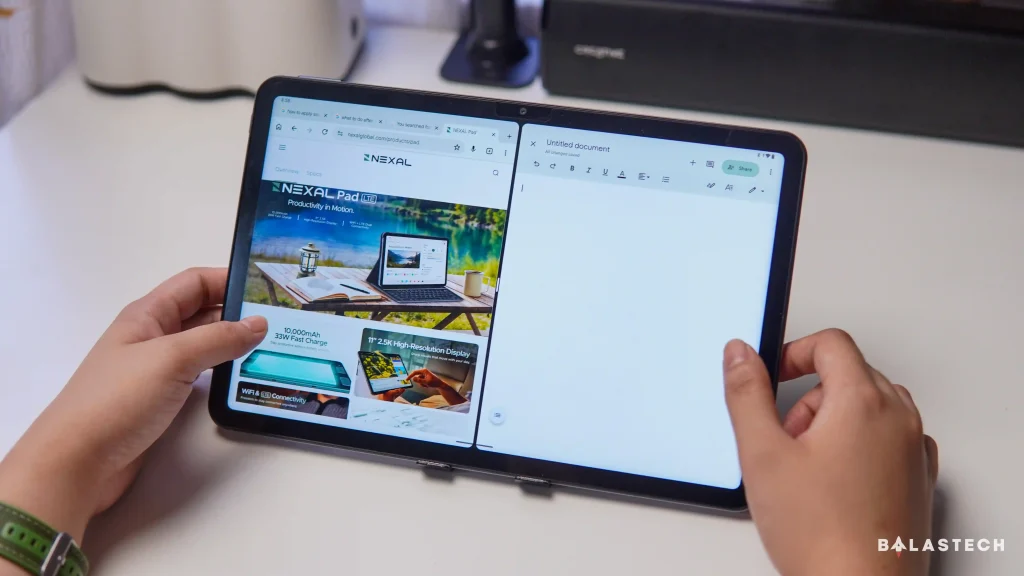
2. Nexal Pad’s Performance
Now, this is what surprised me most. The Nexal Pad is powered by a MediaTek Helio G200 and comes with 6GB of physical RAM, with up to another 6GB available through extended RAM.
On paper, you might look at those specifications and simply move on to the next tablet with bigger numbers. In actual use, though, the Nexal Pad has been surprisingly comfortable.
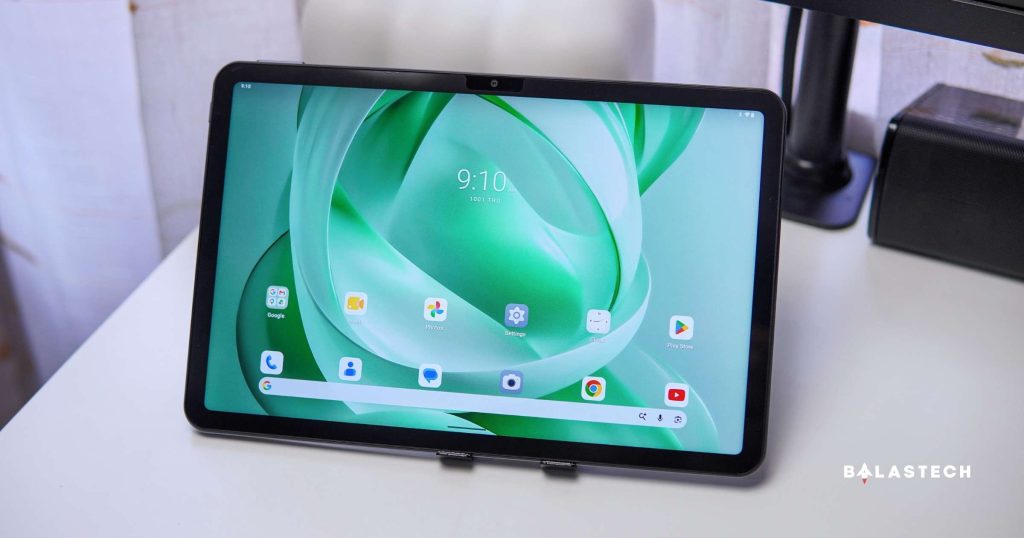
I’ve been able to scroll through social media for content research, open Canva, move between apps, and keep several things going without the constant lag that can make tablet multitasking frustrating.
That sounds like the bare minimum, but it’s very noticeable for someone who is currently trying to use different tablets, because honestly, some tablets in the same price range sometimes made me just want to put them down and use my phone or laptop instead.
Based on my experience with other tablets, even scrolling through social media could feel sluggish. Canva crashed almost every time, and switching between just 2-3 apps is almost impossible.
But with the Nexal Pad, I can switch between apps without immediately getting impatient. That’s the kind of performance that doesn’t necessarily show up in a specification sheet, but you notice it very quickly when you use the device every day.
I even decided to play Call of Duty: Mobile just for fun, partly because I wanted to see where the tablet would start showing its limitations. Imagine how surprised I was when I finished a nice game as an MVP.
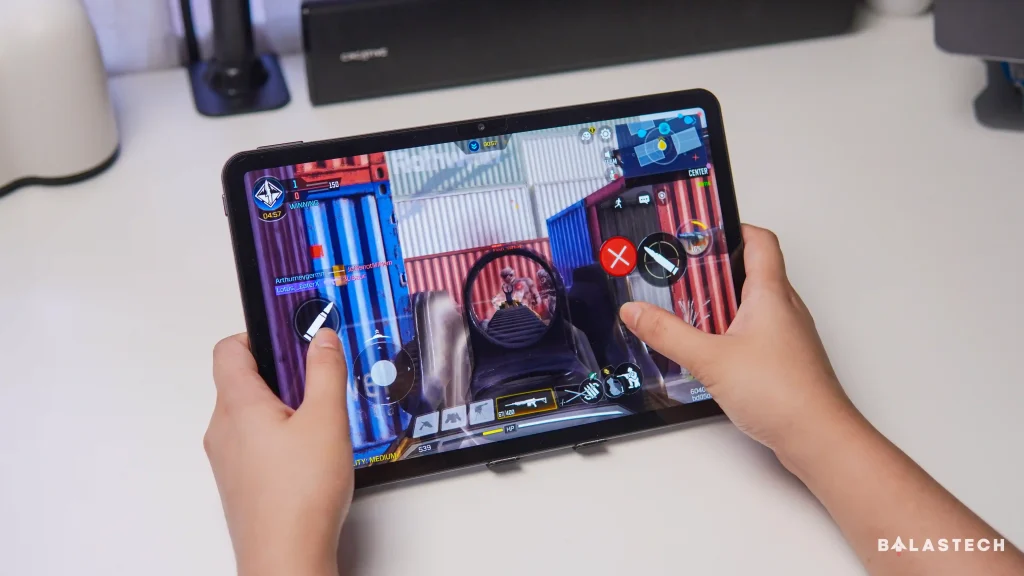
The game wasn’t perfectly smooth, and this obviously isn’t a tablet I’d recommend specifically for serious gaming. But I didn’t run into the kind of obvious lag I was expecting, and I was able to play a full game without constantly thinking about the tablet’s performance.
For heavier games and more demanding applications, let’s keep our expectations realistic. But for my everyday workflow, idea generation, and light work, the Nexal Pad has already passed the more important test for me: I don’t get impatient using it.
3. 256GB Storage Expandable Up To 2TB
The Nexal Pad comes with 256GB of built-in storage, which gives you plenty of room for apps, documents, photos, videos, downloads, and other files. And if you really need more space, it supports microSD cards of up to 2TB.
That’s useful for anyone who treats their tablet as more than just a streaming device. So if you’re downloading reference materials and keeping work files like me, having this much flexibility is convenient.
4. AI Tools to Utilize
I’m not someone who relies entirely on AI, but I do find it useful when it helps finish tasks more efficiently.
The Nexal Pad includes Meeting Summary, Speech-to-Text, Mind Mapping, and Translation, which are useful tools for handling everyday tasks. They’re not something I’d use for everything, but having an extra pair of hands when I need them is a nice addition.
5. 10,000mAh Battery to Top It All Off
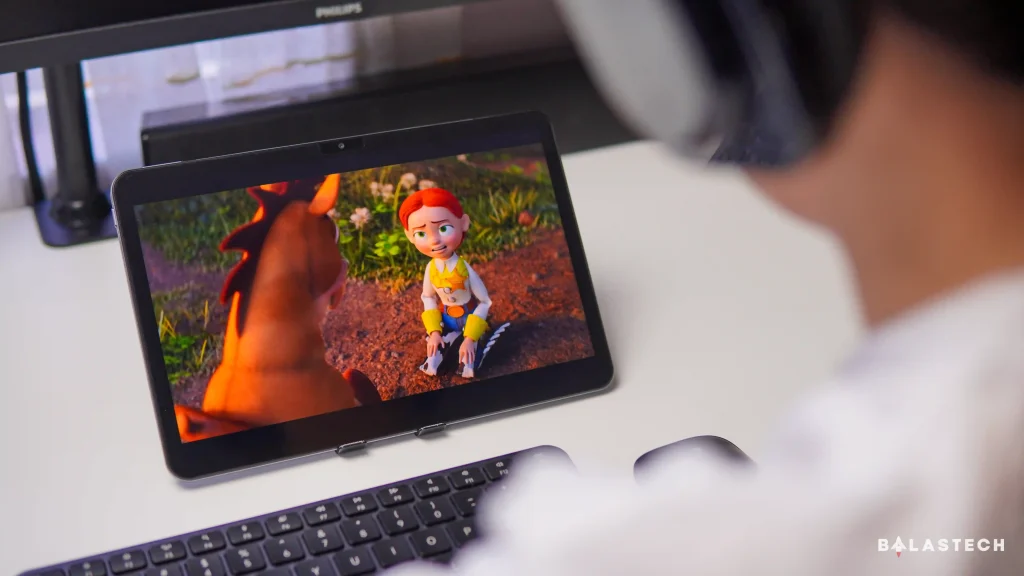
The Nexal Pad packs a 10,000mAh battery with 33W charging, and that’s a pretty powerful addition to a tablet that already performs well for everyday use.
A tablet is something you expect to use longer for browsing, researching, watching videos, or working. So having that much battery capacity gives the Nexal Pad plenty of room to handle those sessions without having to pause to charge.
A Small Design Detail I Ended Up Liking
I wasn’t sure about the power button placement at first. The power button sits on the top corner of the tablet’s shorter side, separate from the volume buttons.
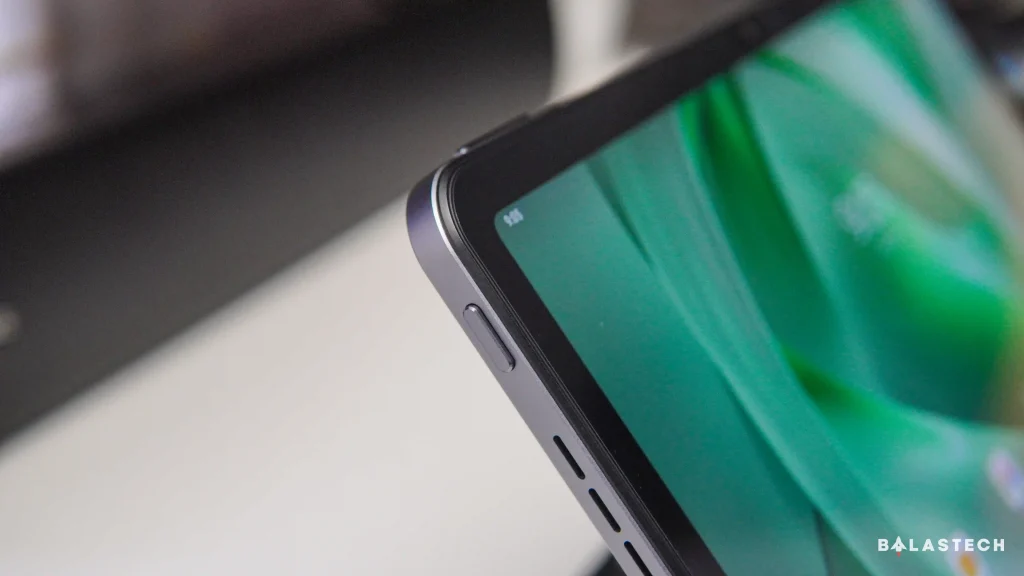
But after using the tablet in landscape mode, I’ve actually grown to like it. It’s easy to find without confusing it with the volume buttons, and while it’s not a groundbreaking design choice, I’ve found it convenient.
A Few Other Things Worth Knowing
The five features above are the ones that stood out to me most, but the Nexal Pad has a few other practical additions worth mentioning.
It has quad speakers, which pair nicely with the 11-inch display for watching videos and content. It also supports dual SIM connectivity, so you can use mobile data without relying entirely on Wi-Fi or your phone’s hotspot, and the tablet runs Android 16.
None of these features alone would make or break the tablet for me, but together they make the overall package feel well suited for everyday use.
On the other hand, it was a little tough to find some of Nexal’s features. Until now, I still can’t find the AI tools, even though I’ve searched the tablet and the internet.
Final Thoughts
After using the Nexal Pad alongside other tablets, what stands out to me isn’t really any single feature. It’s simply how comfortable it has been to use.
I can browse, research, work on ideas, use Canva, switch between apps, and even play a quick game without constantly feeling like I’m fighting the device.
It’s not perfect, and I wouldn’t say it’s the right tablet for everyone. But for the way I use a tablet, it’s the one I actually want to keep using.
Pricing and Availability
The Nexal Pad is available in Aurora Green and Obsidian Grey for PHP 17,999, with current offers including freebies worth up to PHP 7,998.
It’s available through their official online store and physical realme and TechLife stores in the Philippines.
