Close Menu
    Facebook X (Twitter) Instagram
    Latest Tech News in The Philippines
    Facebook YouTube TikTok X (Twitter) Instagram
    BALASTECHBALASTECH
    • Tech News
    • Reviews
    • Gaming
    • Tech Tips
    BALASTECHBALASTECH
    Home»Tech News»Apple unveils its new “Tap to Pay on iPhone” feature
    Tech News

    Apple unveils its new “Tap to Pay on iPhone” feature

    Dante BisaisBy Dante BisaisFebruary 9, 20222 Mins Read
    Facebook Twitter LinkedIn Email
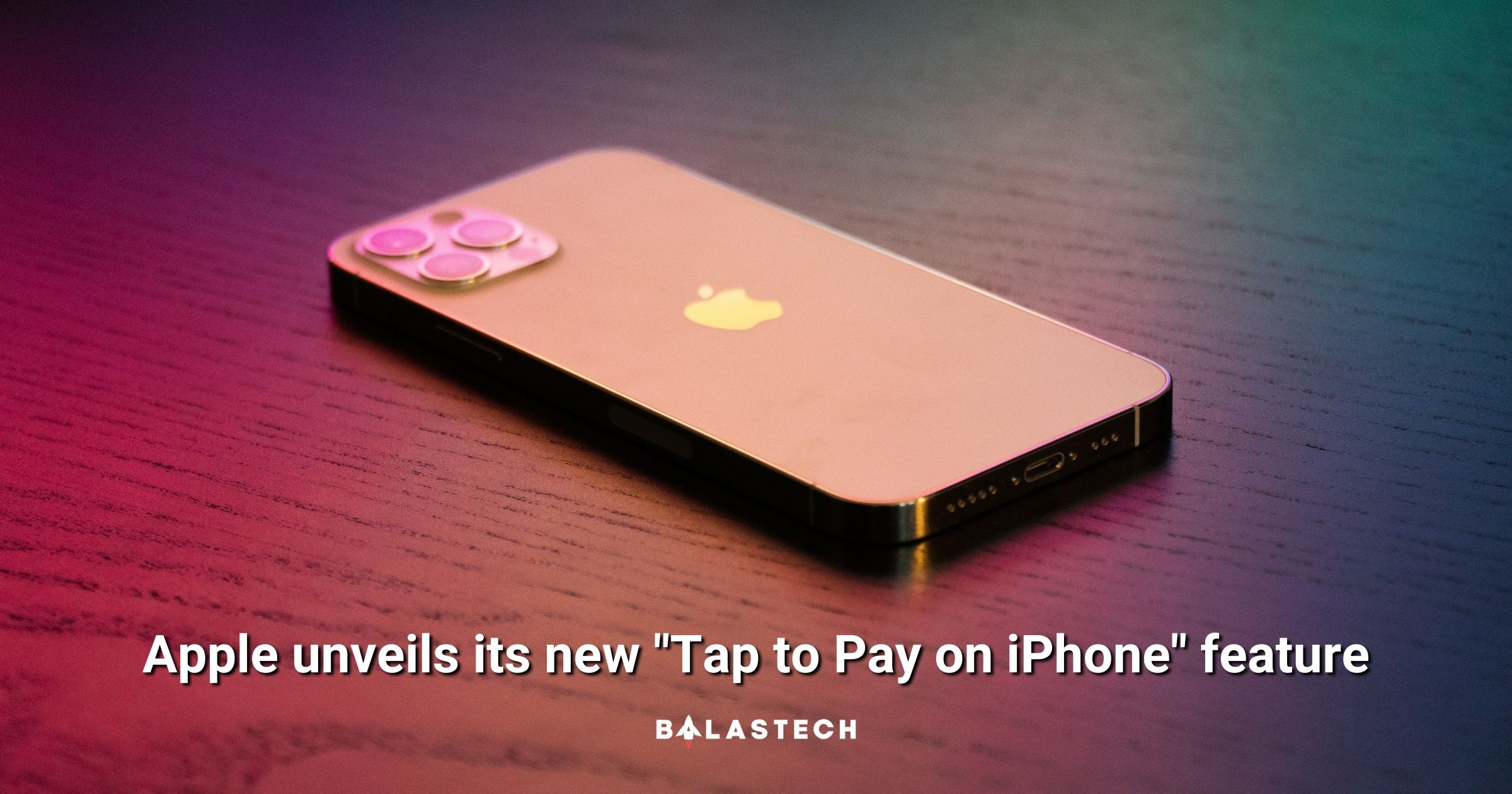
    Apple unveils its new Tap to Pay on iPhone feature
    Share
    Facebook Twitter LinkedIn Pinterest Email

    Apple will roll out a new feature called “Tap to Pay on iPhone” that enables businesses to accept contactless payments.

    Tap to Pay on iPhone

    Apple empowers businesses to accept contactless payments through Tap to Pay on iPhone

    With this new feature, they can accept Apple Pay, contactless credit and debit cards, and
    other digital wallets with a single tap to their iPhone. This feature will benefit millions of merchants across the United States, and possibly in other countries also. It is very convenient since it does not require additional hardware or a payment terminal.

    Moreover, this feature will be available for payment platforms and app developers. This will enable them to integrate into their iOS apps and offer this payment option to their business customers. Stripe will be the first payment platform to provide Tap to Pay on iPhone to its business clients this spring. While other payment platforms and applications will follow later this year.

    Once becomes available, merchants will be able to use it through a supporting iOS app on an iPhone XS or later. The process is just simple, the merchants will just ask their customers to hold their device near the merchant’s iPhone. Besides, this payment process uses NFC technology, so it is completely secured.

    Tap to Pay on iPhone

    “As more and more consumers are tapping to pay with digital wallets and credit cards, Tap to Pay on iPhone will provide businesses with a secure, private, and easy way to accept contactless payments and unlock new checkout experiences using the power, security, and convenience of iPhone,” said Jennifer Bailey, Apple’s vice president of Apple Pay and Apple Wallet.

    Customers’ payment data is secured by the same technology that makes Apple Pay private and secure with Tap to Pay on iPhone. In fact, all transactions made with this feature are encrypted and processed through the Secure Element. Just like with Apple Pay, Apple does not know about what is being purchased or who is buying it. In short, users have privacy.

    Source: Apple

    Apple iPhone NFC Payment
    Share. Facebook Twitter Pinterest LinkedIn Email
    Dante Bisais
    • Website
    • Facebook
    • X (Twitter)
    • Pinterest
    • Instagram
    • LinkedIn

    Dante is an Information Technology graduate who is fascinated by technology especially computers. His passion for computers started when he was 11 years old, that inspired him to explore further. Besides writing, he also share his reviews on his YouTube channel.

    Related Posts

    HONOR X80 Pro Max Leak Reveals Massive 11,000mAh Battery

    June 15, 2026

    OnePlus Nord CE6 Is Now Available For Pre-Order in PH For PHP 24,990

    June 15, 2026

    HUAWEI nova 15 Max launched in the Philippines with massive 8,500mAh battery

    June 11, 2026

    Garmin Pay Now Available in the Philippines

    June 10, 2026
    Leave A Reply Cancel Reply

    • Facebook 16K
    • Instagram
    • YouTube 38.3K
    • TikTok
    • Twitter
    • LinkedIn
    Latest

    HONOR X80 Pro Max Leak Reveals Massive 11,000mAh Battery

    June 15, 2026

    OnePlus Nord CE6 Is Now Available For Pre-Order in PH For PHP 24,990

    June 15, 2026

    HUAWEI nova 15 Max launched in the Philippines with massive 8,500mAh battery

    June 11, 2026
    BALASTECH
    Facebook YouTube TikTok X (Twitter) Instagram
    • Home
    • About Us
    • Contact Us
    • Privacy Policy
    • Terms and Conditions
    Copyright © 2026. BALASTECH

    Type above and press Enter to search. Press Esc to cancel.