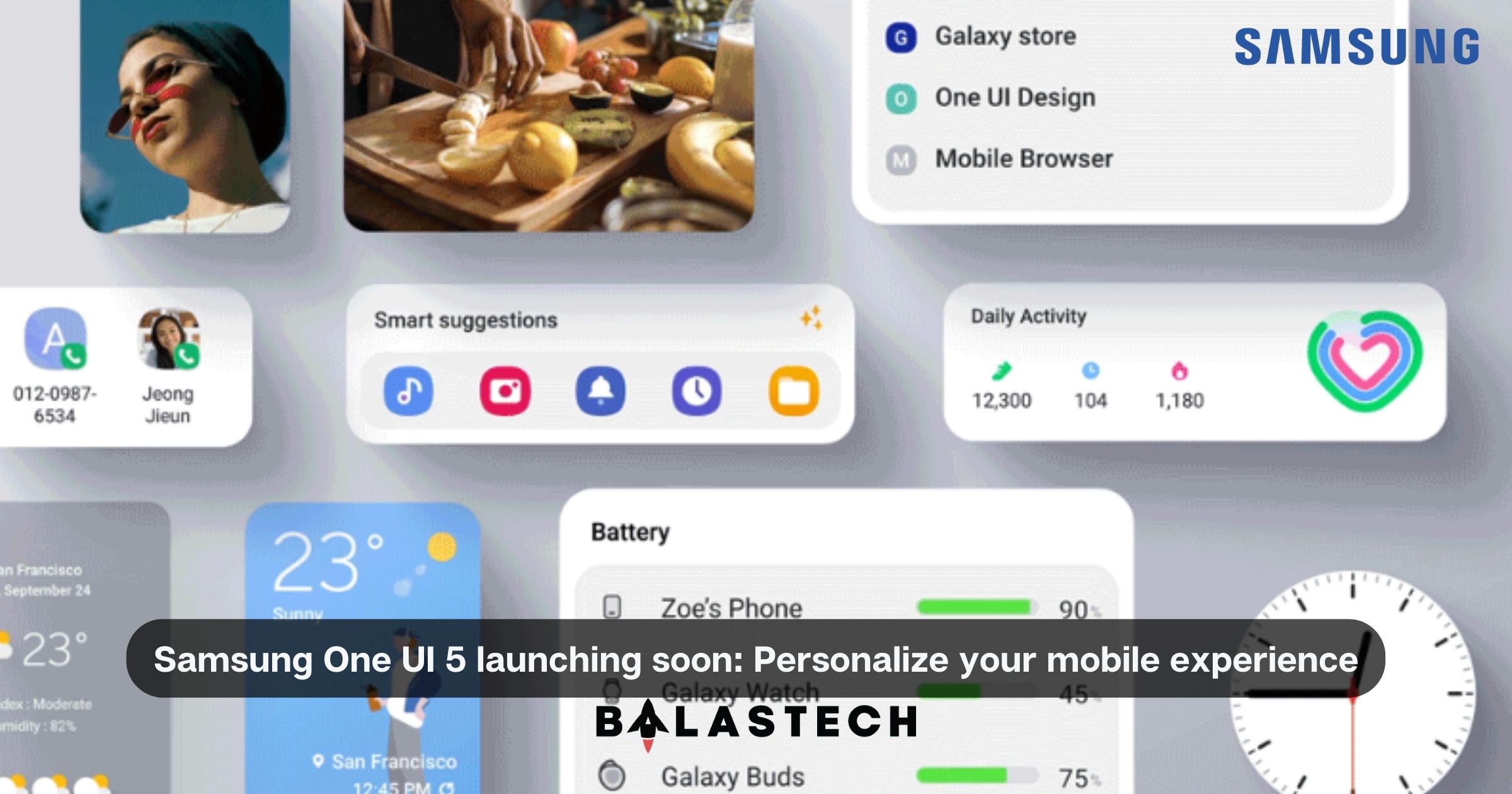
The famous brand has been putting all their best effort for the past few months in order to ensure that their latest Samsung One UI 5 provides their customers the best experience with their own mobile phones.
One UI 5 is Samsung’s very own mobile operating system, and was beta tested to thousands of Galaxy users who participated in Samsung’s One UI Beta program very early this year to make sure the changes really connect with real users. This new OS is based on Google’s Android 13 which was released to the public just this August 2022.
Just two days ago,
Samsung has already posted their official introduction video clip for their
newest One UI 5 with its key features, and it sure has a lot of interesting
offers. Not only does it contain all Android 13’s standard features such as
more color schemes, notification permissions, and more, but it also has a lot
more unique additions by the famous brand.
Take a look at the exciting
new features One UI 5 has to offer.
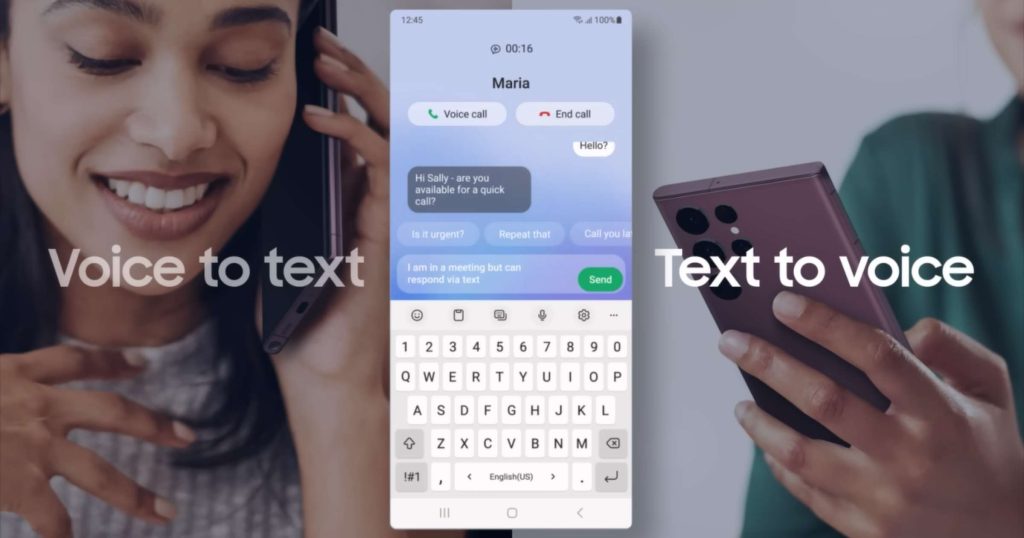
Bixby Text Call: Continue your calls in any environment
Samsung acknowledges mobile’s main goal: communication. They looked into on one of users’ problem which is communicating in inconvenient situations, such as taking calls in a full-packed train, a noisy mall, a deafening club or concert, and even during a business meeting whereas talking and hearing just couldn’t work.
The famous brand
included this feature to allow users answer phone calls through typing. Their
intelligent platform converts text to audio, letting the typed message be heard
by the caller on your behalf. As well as converting the caller’s audio to text
and send them to the user, making it easy to understand and reply to the
message without disruptions.
Additionally, you
can also answer and decline a call in the new and redesigned pop-up call
display.
Customize your own mobile, match it to your own lifestyle
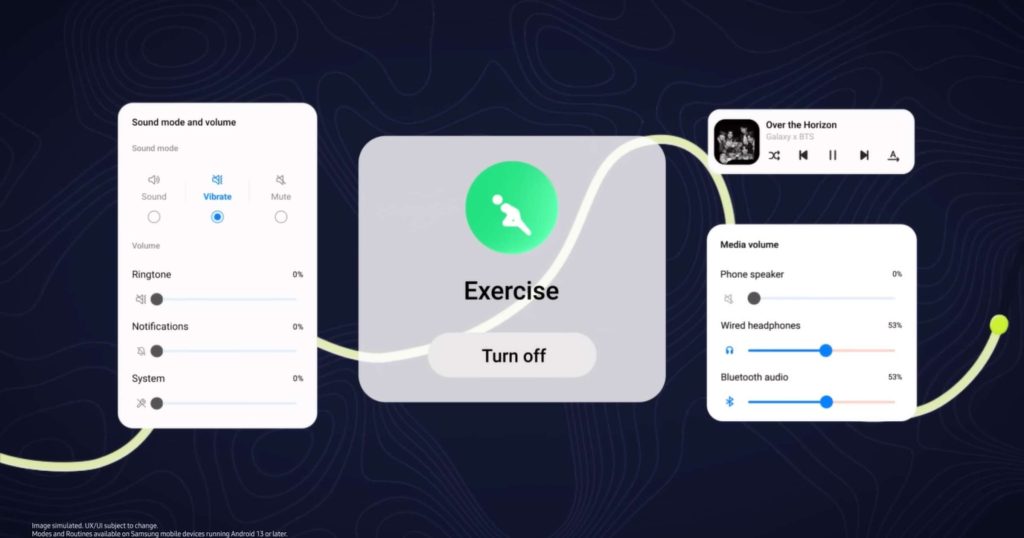
Customers use their mobile phones for different purposes throughout the day. For example, a morning routine might require a lively music with no buzz of notifications for a more focused workout, while a night after work could be accommodated well with a silent phone in a dark mode for a relaxed environment.
With the “Routines”
feature, users can now customize a series and sequence of actions on their
device based on their own daily activities. With the ability to control several
settings like airplane modes, Wi-Fi, hotspots, mobile data, and more.
In addition, Samsung
also added a “Modes” feature, where users can create personalized settings for
different parts of the day, from sleeping to waking up, from relaxing to working,
exercising, and even driving.
Easy access to all your mostly used apps and widgets with Samsung One UI 5
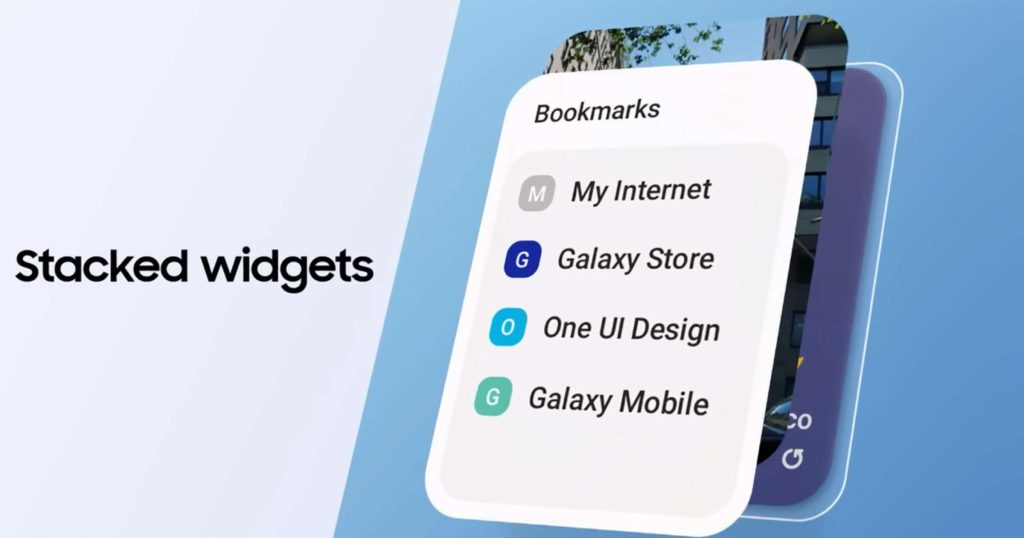
One of Samsung One UI 5’s most exciting and useful feature, they now offer stacked widgets to help customers get things done more efficiently. To also keep the home screen minimal and tidy, stacked widgets feature makes it able for widgets to be dragged and drop on top of each other, and then swiped left & right to quickly scroll through each one. Find the app you’re looking for easily, while freeing the home screen more space.
Not only that, as the new OS also comes with new Smart suggestions for widgets based on the user’s usual usage patterns and daily mobile activities. This is to provide more help in everyday course of mobile tasks.
Furthermore, there is also a smart text extraction ability that the UI offers, which makes users to conveniently extract texts from images, and then paste it into Notes. As well as a multi-task option with Samsung’s task bars.
It is now also capable to access and control all devices that are connected to your mobile phone on its “Connected devices menu” feature. This lets users to work with other devices’ details such as Quick Share, Smart View, Samsung DeX, and even the Auto switch Buds menu where users can easily switch buds from one device to another.
Enhanced security & privacy for your peace of mind
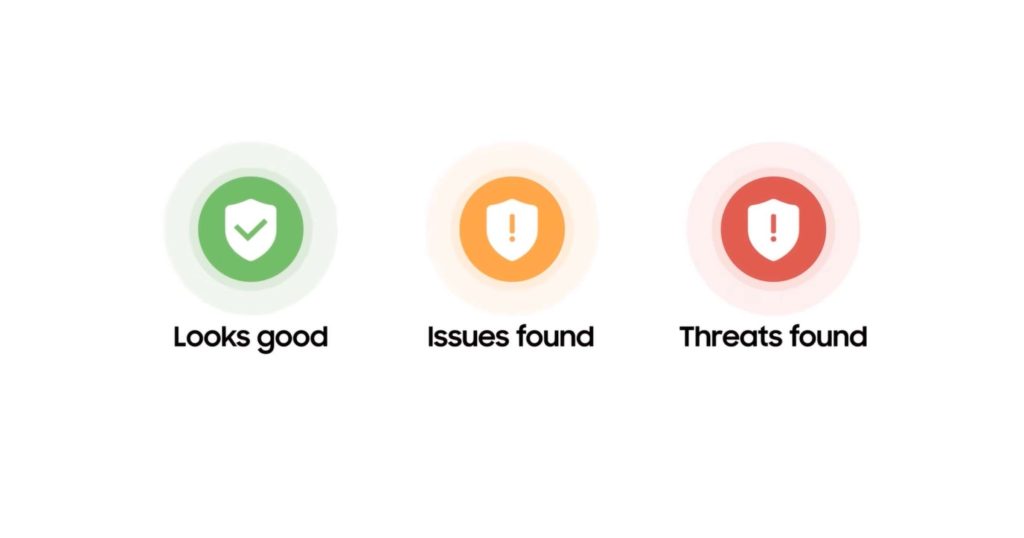
As Samsung said, “there
is no privacy without security”. That is why they included a “Security and privacy
dashboard” for a quicker update of the customer’s overall device status. It provides
a simple overview of the device’s security and gives needed warnings &
advices based on the results, making it more convenient to keep your mobile experience
protected.
Moreover, to keep all
confidential information private, One UI 5 signals a new notification on the “Share
Panel” whenever the user is about to accidentally share an image/photo that
contains potentially private information, such as details on your credit card,
licenses, passports, ID’s, and more.
Fresh, new, and easy-to-change personal look on your device
For the cherry on
top of all those amazing features, Samsung also offers a more welcoming experience
for their mobile users as they paid more attention to complex details. Including
bolder and simpler app icons, as well as modernized themes based on your
wallpaper, as it may also choose a color scheme from a selection of 16 color schemes.
One UI 5 also allows simple and extensive customization from the lock screen. You may quickly edit a video to turn your most treasured memories into an emotional memorial on your phone. All you have to do to change the wallpaper, clock style, notification settings, and more is press and hold the lock screen.
New animations and transitional effects are also added and are said to make the movement between screens feel more natural today.
The enhanced experiences the OS offer doesn’t stop with these, as Samsung offers definitely more exciting features. The availability of this OS on several Samsung devices might be released already in the next few weeks, so hold your breath and get ready to experience the newest One UI 5 soon!
Hannah is a writer and content creator who enjoys making technology more accessible and engaging. With a background in marketing and business operations, she writes about digital trends and innovations that impact everyday life.