



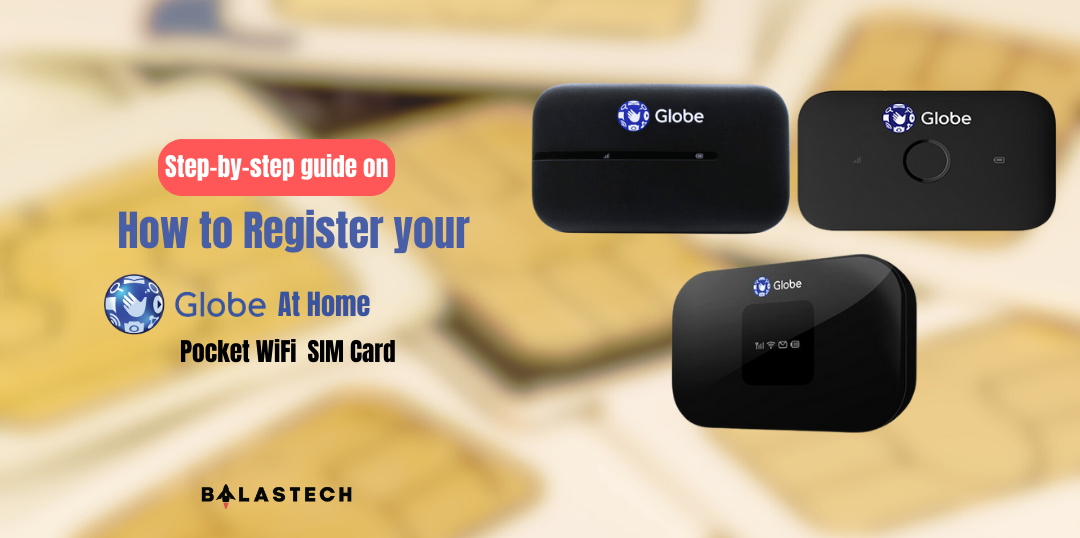
To register your Globe At Home Prepaid WiFi SIM for SIM registration act compliance, you can follow these steps:
Step 1: Connect to Globe at Home Prepaid WiFi
For new users, set up the modem with the instructions and connect to the modem.
Step 2: Go to the Globe Sim Registration Website
Visit the Globe Sim Registration Website at https://new.globe.ph/simreg.
Step 3: Enter your mobile number
On the registration page, enter your Globe mobile number in the field provided. Make sure to enter it correctly as it will be used to verify your account.
Step 4: Verify your account
After entering your mobile number, Globe will send a verification code to your phone via SMS.
To view the SMS via Modem Inbox.
- Open new Browser Tab
- Type http://192.168.8.1/
- Find the USERNAME and PASSWORD inside the modem, you can see it if you remove the battery. You can also find it in the manual.
- Login using the USERNAME and PASSWORD
- Click SMS to view the One-Time PIN (OTP)
Enter the code on the website to verify your account.
Step 5: Fill out the registration form
Once your account is verified, you’ll be directed to the registration form. Fill out the necessary information such as your full name, address, and date of birth. You’ll also need to provide a valid ID such as a passport or driver’s license.
Step 6: Review and submit
After filling out the registration form, review your information to ensure it’s accurate. Once you’re satisfied, click the “Submit” button to complete the registration process.
Step 7: Wait for confirmation
After submitting your registration form, you’ll receive a confirmation message on your phone or from your Modem Inbox that your Globe SIM card has been successfully registered.
If you’ve just purchased a Globe at Home Pocket WiFi device or owned one, registering your SIM card is essential for accessing the internet and enjoying all its features.
Registering your SIM card is also mandatory by the government to prevent criminal activities. In this step-by-step guide, we’ll walk you through the process of registering your Globe at Home Pocket WiFi SIM card. With this guide, you’ll be able to complete the registration process quickly and easily, and start using your device to connect to the internet without any interruption.
If you encounter errors, you may try these steps:
- Close and open the App
- Change browser
- Change Wifi or Reconnect the internet
- Airplane mode on and on
- Try to register using a different phone
- Extra patience
If you encounter an error during uploading
- Move to the brighter view of the image
- Keep the camera steady to avoid a blurry image
- Upload instead of taking a picture
- Take a picture instead of uploading
- Try a different kind of ID
- Do it in the morning when you can take pictures with good lighting
And that’s it! By following these simple steps, you can easily register your Globe SIM card and stay compliant with the SIM Registration Act. It’s a quick and easy process that only takes a few minutes, but it can help protect you and others from potential illegal activities.
