Close Menu
    Facebook X (Twitter) Instagram
    Latest Tech News in The Philippines
    Facebook YouTube TikTok X (Twitter) Instagram
    BALASTECHBALASTECH
    • Tech News
    • Reviews
    • Gaming
    • Tech Tips
    BALASTECHBALASTECH
    Home»Tech Tips»How to turn off @followers and @highlights on Facebook
    Tech Tips

    How to turn off @followers and @highlights on Facebook

    BlasBy BlasDecember 10, 2023Updated:December 10, 20232 Mins Read
    Facebook Twitter LinkedIn Email
    Turn off facebook @followrs @highlights notification
    Turn off facebook @followrs @highlights notification
    Share
    Facebook Twitter LinkedIn Pinterest Email

    TL;DR

    Profile -> Settings -> Notifications -> Tags -> Batch Mentions (Turn it off)

    Turn off @followers and @highlights

    To turn off @followers and @highlights on Facebook is easy just follow this steps:

    Step 1: Go to Profile

    facebook profile

    Step 2: Scroll to Settings and Privacy

    step 2 facebook settings and privacy 1

    Step 3: Press or Click Settings

    step-3-facebook-settings

    Step 4: Press / Click Notifications

    step-4-facebook-notifications

    Step 5: Press or Click Tag Notifications

    step-5-facebook-tag-notifications

    Step 6: Find Batch Mentions

    step-6-facebook-batch-mentions

    Step 7: Switch Batch Mentions off

    step-7-facebook-batch-mentions-off

    Facebook Highlights and Followers

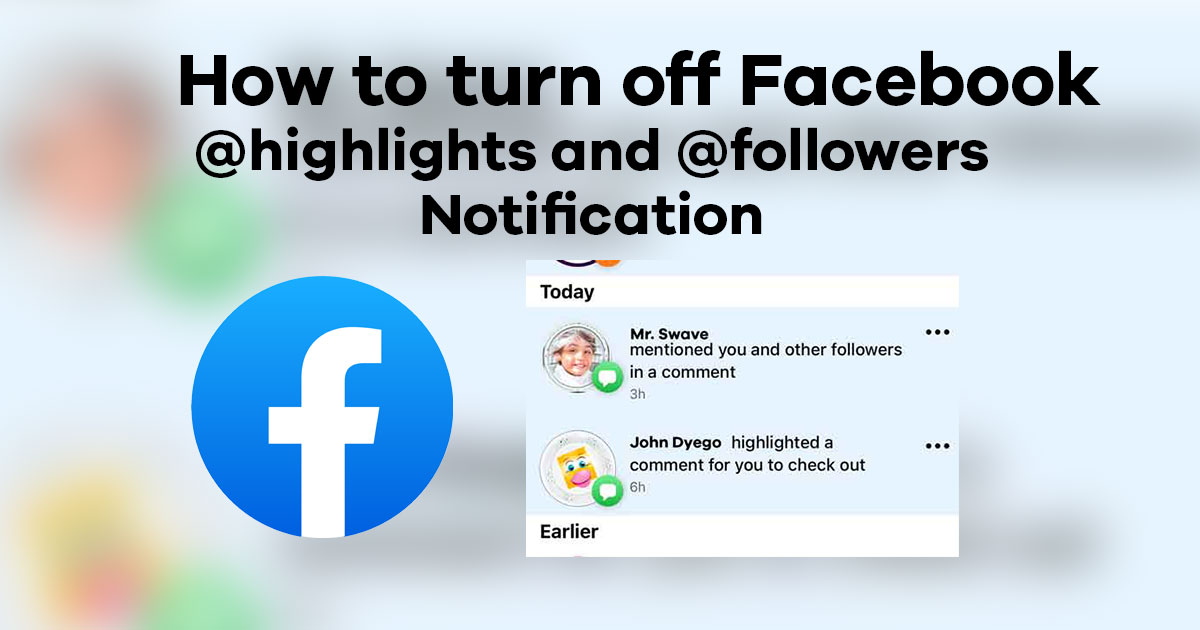
    Facebook @highlights and @followers are really a very good way to engage with audience and very useful for content creators or Facebook Users that wants attention. With its advantage there are also disadvantage that can turn Facebook Users notification busy.

    facebook @highlights and @followers

    When a friend or a content creator highlights or mentions @followers its quite annoying especially if happens multiple times and you don’t want to engage. Sometimes you might think it was an important notification or could be from someone special but it turns out it’s just batch mentions.

    Turning this Facebook @highlights and @followers off will give us some peaceful notifications and avoid unnecessary engagements..

    if you want more news like this you can search trough our website www.balastech.com

    You can also follow us in our Facebook Page, Facebook Group and YouTube.

    facebook followers how to Meta
    Share. Facebook Twitter Pinterest LinkedIn Email
    Blas
    • Website

    Related Posts

    How to Enable GCash Watch Pay on Your HUAWEI Wearables

    April 5, 2025

    Upgrade Your Home Network with Mercusys’ Wi-Fi 7 Devices

    March 3, 2025

    How to Capture Picture-Perfect Portraits with the OPPO Find X8, according to Magic Liwanag

    December 8, 2024

    2024 Affordable Tablets in the Philippines

    July 8, 2024

    Comments are closed.

    • Facebook 16K
    • Instagram
    • YouTube 38.3K
    • TikTok
    • Twitter
    • LinkedIn
    Latest

    vivo V70’s AI Magic Weather lets users change photo moods instantly

    March 11, 2026

    HONOR Magic V6 launches in China with up to 7,150mAh battery and Snapdragon 8 Elite Gen 5

    March 11, 2026

    OPPO Find N6 is set to launch on March 17

    March 10, 2026
    BALASTECH
    Facebook YouTube TikTok X (Twitter) Instagram
    • Home
    • About Us
    • Contact Us
    • Privacy Policy
    • Terms and Conditions
    Copyright © 2026. BALASTECH

    Type above and press Enter to search. Press Esc to cancel.