

Close Menu
    Facebook X (Twitter) Instagram
    Latest Tech News in The Philippines
    Facebook YouTube TikTok X (Twitter) Instagram
    BALASTECHBALASTECH
    • Tech News
    • Reviews
    • Gaming
    • Tech Tips
    BALASTECHBALASTECH
    Home»Tech Tips»Quick Guide: How to Install Globe eSIM on iPhone/Android Phone
    Tech Tips

    Quick Guide: How to Install Globe eSIM on iPhone/Android Phone

    Hannah Joy TobiasBy Hannah Joy TobiasJuly 16, 2026Updated:July 16, 20262 Mins Read
    Facebook Twitter LinkedIn Email
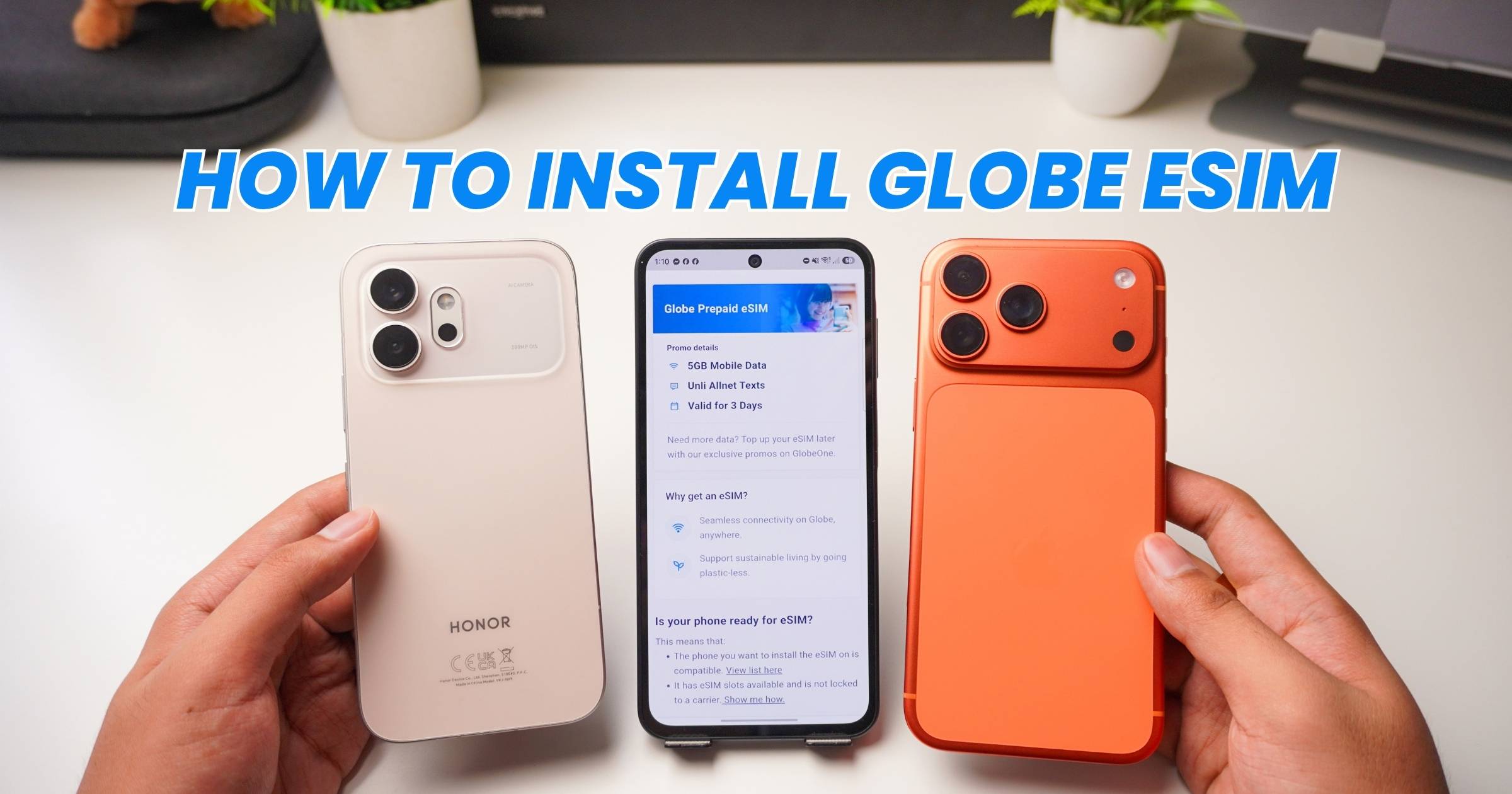
    How to install Globe eSIM
    Share
    Facebook Twitter LinkedIn Pinterest Email

    If you just bought a new Prepaid Globe eSIM, here’s a quick guide on how to install it on your iPhone or Android smartphone.

    Before You Begin

    First, make sure your phone is eSIM-compatible. If you already have an active eSIM installed, turn it off first before adding your new Globe eSIM.

    To disable current eSIM on iPhone, go to: Settings > Cellular > Select your active eSIM > Turn Off/Disable

    To disable current eSIM on Android, go to: Settings > Connections (or Network & Internet) > SIM Manager > Select active eSIM > Turn Off

    On iPhone

    1. Open Settings.
    2. Go to Cellular.
    3. Tap Add eSIM.
    4. Select Use QR Code.
    5. Scan the QR code sent to your email.
    6. Tap Continue.
    7. Continue until the setup is complete.

    Your Globe eSIM should now appear under your available cellular plans.

    On Android

    1. Open Settings.
    2. Go to Connections or Network & Internet.
    3. Tap SIM Management.
    4. Select Add eSIM or Add Carrier.
    5. Click Set Up and eSIM.
    6. Scan the QR code from your email.
    7. Click Setup.
    8. Click Settings.
    9. Enable new Globe eSIM.

    Once completed, your Globe eSIM is ready to use.

    Step-by-Step YouTube Tutorial

    Register your Globe Prepaid eSIM

    Kindly note that all newly purchased Globe SIMs and eSIMs must be registered before they can be used.

    If you need help, we’ve also put together a step-by-step Globe SIM registration tutorial that you can follow.

    Where to buy

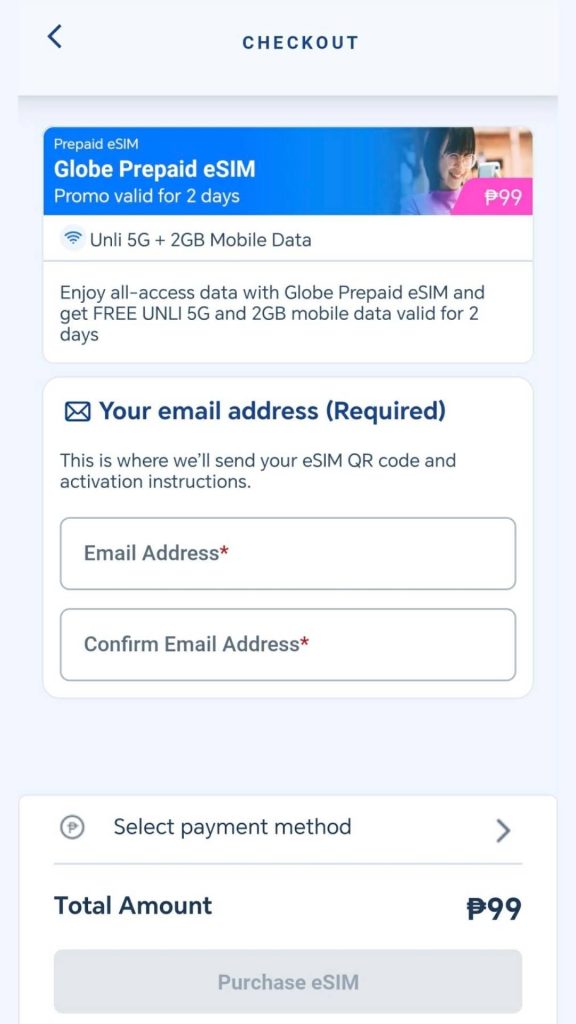
    You can purchase a Globe Prepaid eSIM through Globe Stores, the Globe Online Shop, the GlobeOne app, and Globe’s official stores on Shopee and Lazada for only PHP99.

    If you buy online, the activation QR code will be sent to your registered email address.
    Globe eSIM

    More eSIM tutorials

    If you’re looking for other tutorials, we also have tutorials on how to install Smart eSIM and DITO eSIM on compatible smartphones.

    And if you’re already using an eSIM and switching to a new phone, check out our guide on how to transfer your existing eSIM without buying a new one.

    eSIM globe Globe eSIM GlobeOne how to tutorial
    Share. Facebook Twitter Pinterest LinkedIn Email
    Hannah Joy Tobias

    Hannah is a writer and content creator who enjoys making technology more accessible and engaging. With a background in marketing and business operations, she writes about digital trends and innovations that impact everyday life.

    Related Posts

    Quick Guide: How to Install DITO eSIM on iPhone/Android Phone

    July 16, 2026

    Quick Guide: How to Install Smart eSIM on iPhone/Android Phone

    July 16, 2026

    How to Contact Tonik Bank: Hotline, Email, and Support Hours

    July 14, 2026

    MariBank Hotline and Customer Support: All the Ways to Contact MariBank PH

    July 14, 2026

    Comments are closed.

    • Facebook 16K
    • Instagram
    • YouTube 38.3K
    • TikTok
    • Twitter
    • LinkedIn
    Latest

    Quick Guide: How to Install DITO eSIM on iPhone/Android Phone

    July 16, 2026

    Quick Guide: How to Install Globe eSIM on iPhone/Android Phone

    July 16, 2026

    Quick Guide: How to Install Smart eSIM on iPhone/Android Phone

    July 16, 2026
    BALASTECH
    Facebook YouTube TikTok X (Twitter) Instagram
    • Home
    • About Us
    • Contact Us
    • Privacy Policy
    • Terms and Conditions
    Copyright © 2026. BALASTECH

    Type above and press Enter to search. Press Esc to cancel.