



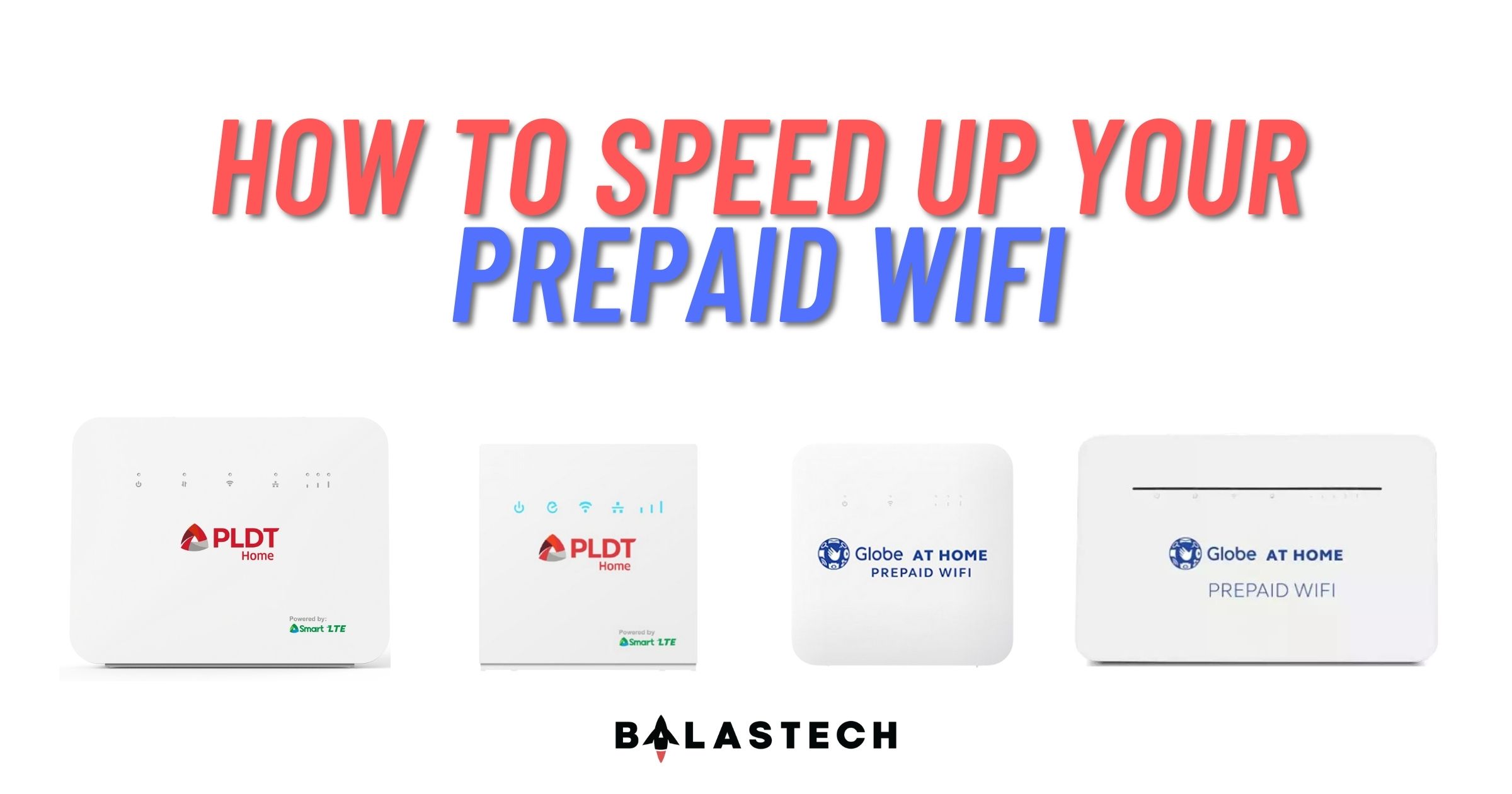
Are you struggling with the sluggish internet speed of your Prepaid WiFi? Or do you keep getting disconnected in your online class? Besides, maybe you are also experiencing buffering when streaming YouTube videos or your favorite Kdrama?

As the pandemic continues, employees remain in a work-from-home setup, while students still conducting their classes online. With that, it is important to have a better and stable internet connection. So, in case you experience those problems above, we have solutions you might try with your Prepaid WiFi.
Proper location
Placing your device next to concrete walls or metal objects may interfere with the signal of your device. Also, take note that appliances such as LED lights and microwave ovens may weaken the signal.

You should move away your device to the things mentioned above to have a better signal. However, you might try placing it in the center of your house or place it in your window. Besides, try to test your internet speed every time you move your device.
Change LTE band
Are you confused why your internet speed is slow even you have a full bar signal? Maybe because the cell tower where you are connected is already congested. Most Prepaid WiFi nowadays supports a minimum of three LTE bands. Changing your device’s LTE band will drastically increase your internet speed. However, some of Prepaid WiFi device does not have an option to change a band.

If you are a Globe Prepaid WiFi user, you can change your band in your device’s gateway with an admin account. Where to find the admin account credentials? Unfortunately, your internet provider does not include it in your purchase.
Luckily, there are technicians you may see in Facebook groups or marketplace that offer “Admin Access”. That admin access thing is what you need. They will generate a unique admin password intended only for your device. Just take note that it is a paid service. However, they will provide a step-by-step procedure on how to change a band.
Use outdoor antenna
In case that the solutions we have mentioned above don’t work, you might consider using an external antenna. Maybe your area is a dead spot or has no available signal. This instance may occur when you are in a province or your area is distant from the cell towers.
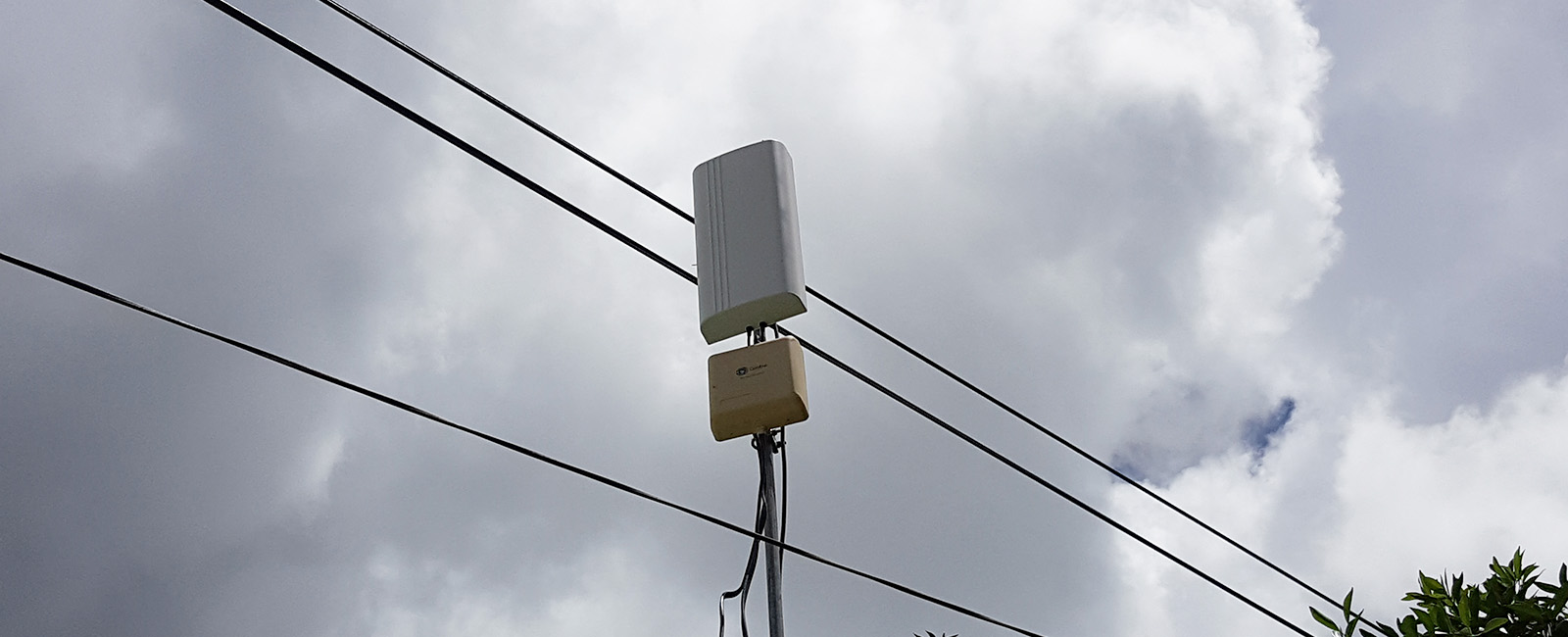
Here is the list of recommendable outdoor antennas and their price range:
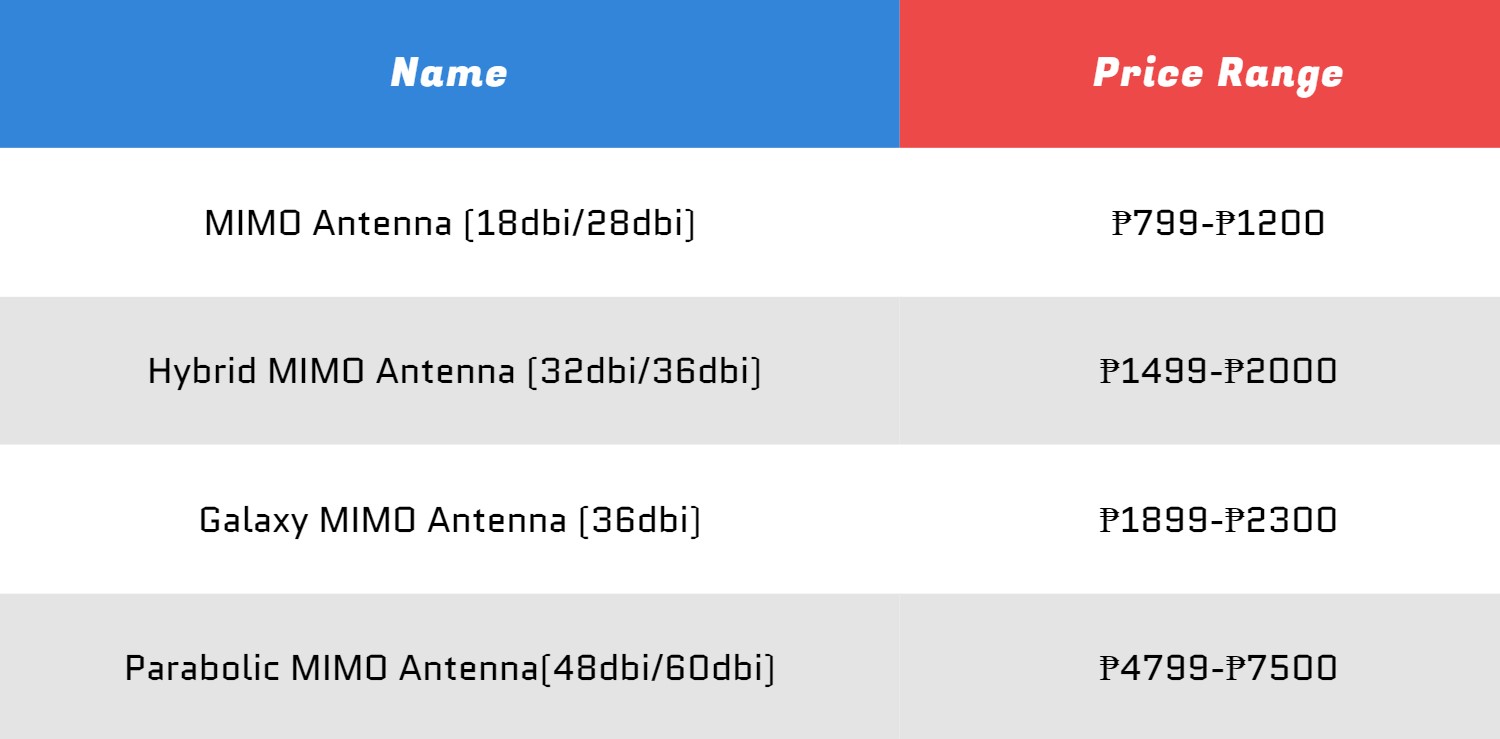
Antennas are a little expensive but we can assure you that they can really boost your internet speed. Therefore, if your Prepaid WiFi modem has an antenna port, we suggest you to avail one if you can. There’s a lot of outdoor antennas available in Facebook Marketplace, Shopee, and Lazada where you can search of.
