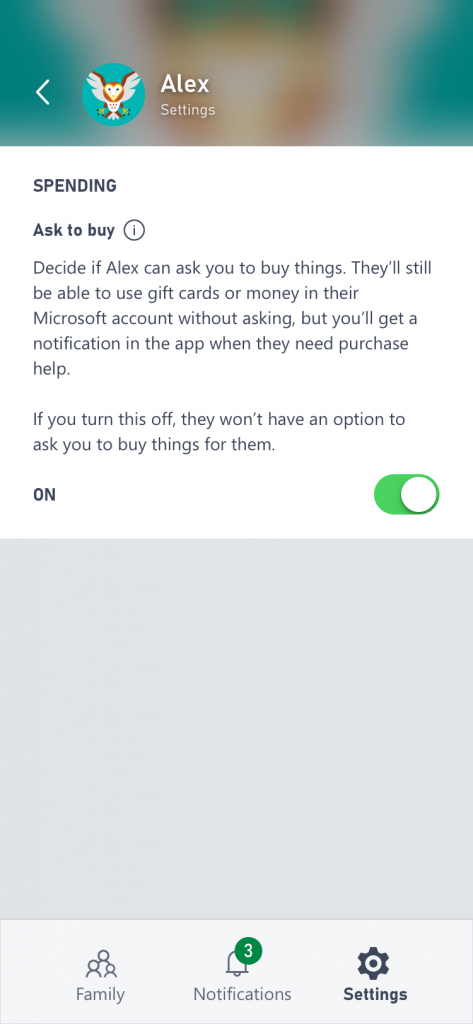
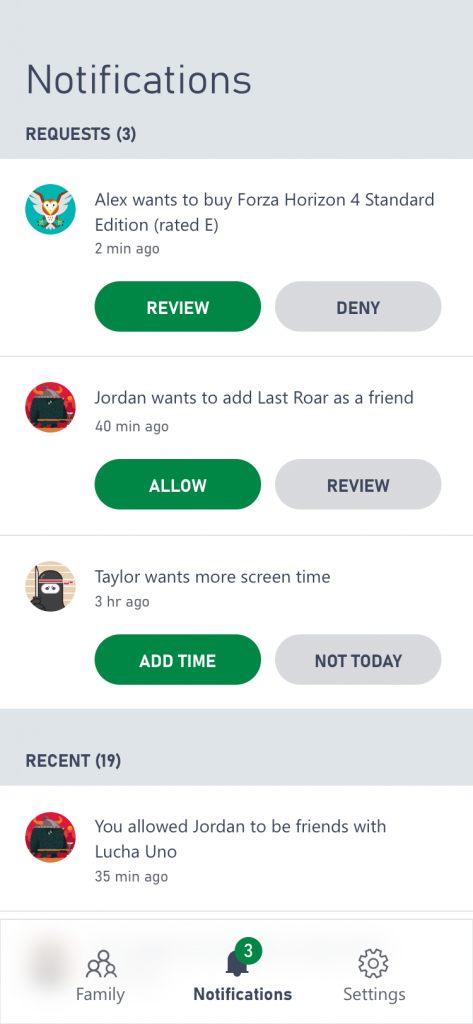
Microsoft launched Xbox Family Settings App early this year, which helps parents supervise how their children spend their gaming time. It is to let parents keep tabs and set limitations on how their children use Xbox One consoles and Windows 10 PCs. This app is available on Android and iOS.
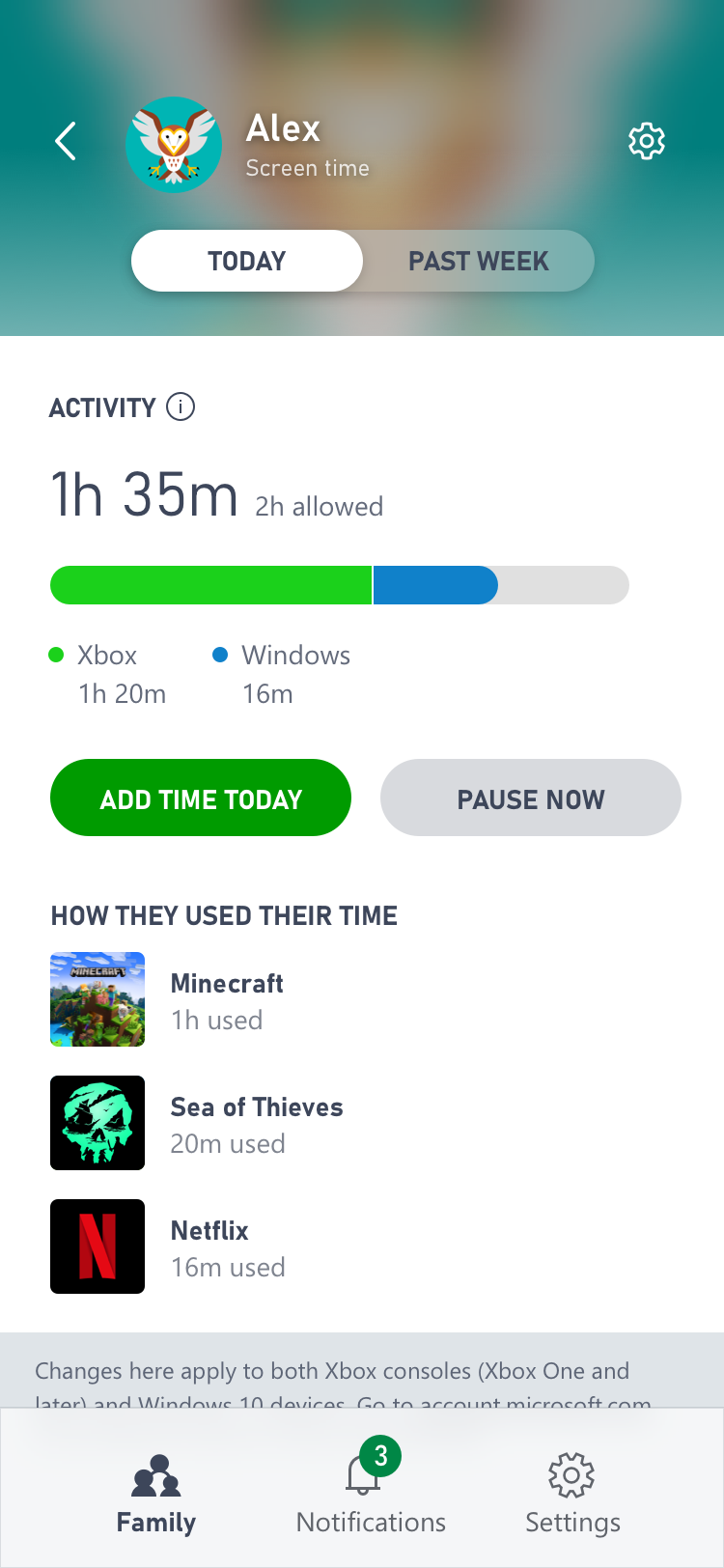
Last week, Microsoft added more new features to its Xbox Family Settings App. In the previous versions, a parent can only set limits on screen time on a per-day basis, but now they added Pause Screen Time. They can use this to temporarily block an account for their children to finish their homework or to have family time. The app will show a notification if a blocked account tries to play anything. Also, it will tell them that their screen time is up. But they can unblock any time via the app or automatically turned off at the end of the day.