



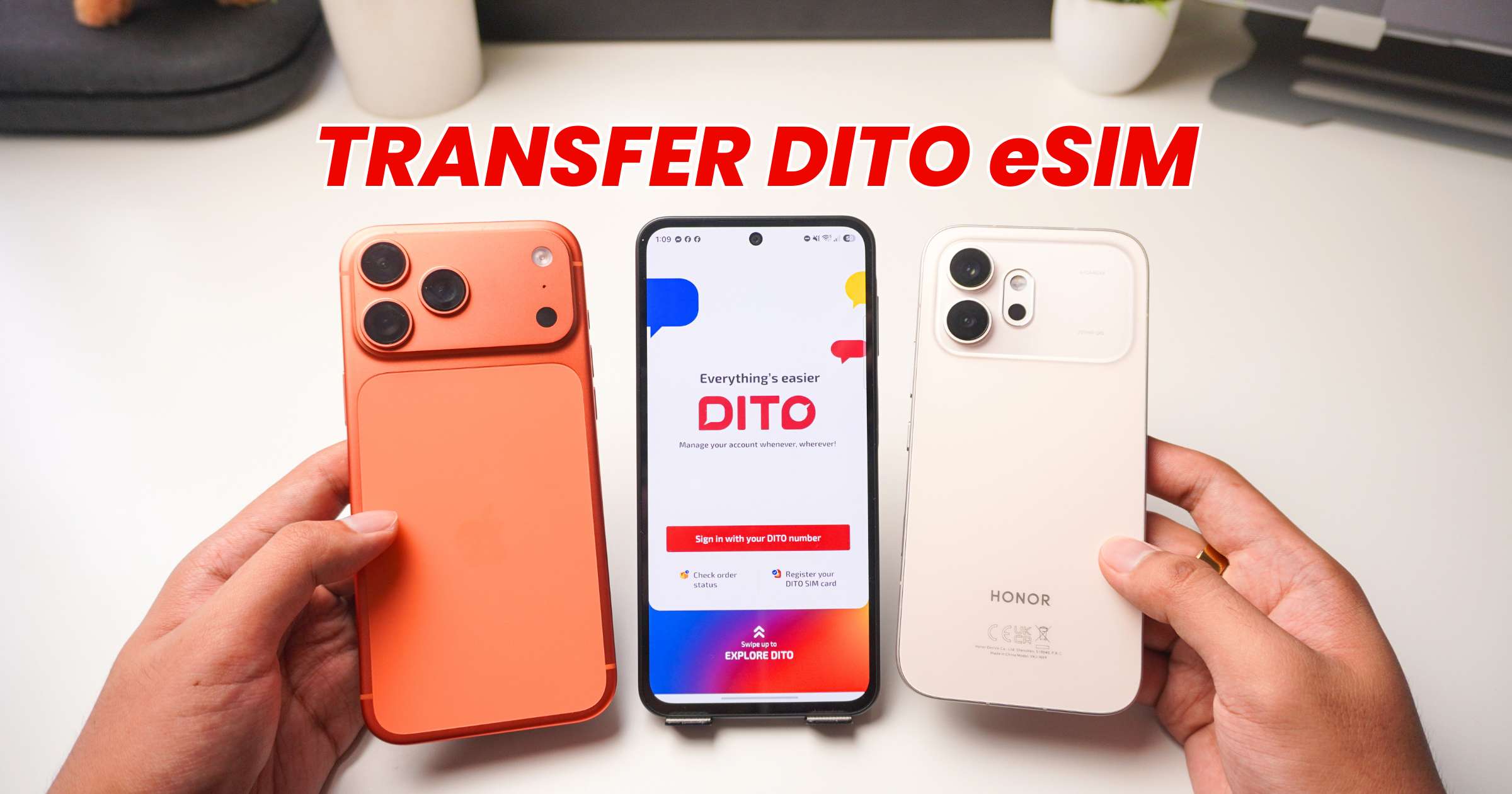
If you’re planning to switch to a new phone, here’s a quick guide on how to transfer DITO eSIM to another device. Before you begin, make sure your new smartphone supports eSIM.
Transfer DITO eSIM from Android to iPhone
On your Android phone
- Open Settings.
- Go to Mobile Network (or Network & Internet).
- Tap SIM Management.
- Select your DITO eSIM.
- Tap Disable, then Delete.
On your iPhone
- Open Settings.
- Tap Cellular.
- Select Add eSIM.
- Tap Use QR Code.
- Scan the DITO eSIM QR code from your previous email.
- Click Continue until finished.
Once the process is complete, your DITO Prepaid eSIM should appear under your available cellular plans.
Transfer DITO eSIM from iPhone to Android
On your iPhone
- Open Settings.
- Tap Cellular.
- Select your DITO eSIM.
- Click Delete eSIM.
On your Android phone
- Open Settings.
- Go to Mobile Network or Network & Internet.
- Tap SIM Management.
- Select Add eSIM or Add Carrier.
- Tap Set up an eSIM.
- Choose Scan QR Code.
- Scan the DITO eSIM QR code from your email.
- Click Set up, then click Settings.
- Once installation is complete, select your DITO eSIM and tap Enable.
The process follows the same steps, but in reverse. After the setup is complete, your DITO eSIM should be active on your new Android phone.
Step-by-Step YouTube Tutorial on How to Transfer DITO eSIM
Frequently Asked Questions
- Can I Reuse My DITO eSIM QR Code?
- Yes. If you still have the original QR code, you can use it to install your DITO eSIM on another compatible device after removing it from your previous phone.
- If you no longer have the QR code, contact DITO Customer Care for assistance.
- My eSIM won’t activate. What should I do?
- Before trying again, make sure you’ve removed the eSIM from your previous phone and that your new device supports eSIM.
- Verify that you’re scanning the correct QR code and restart your phone after the installation.
- If the issue persists, contact DITO Customer Care for help.
More eSIM tutorials
Looking for guides for other networks? You can also check out our tutorials on:
How to Transfer eSIM to Another Phone
- How to Transfer Globe eSIM to Another Phone
- How to Transfer GOMO eSIM to Another Phone
- How to Transfer Smart eSIM to Another Phone
How to Convert a Physical SIM to an eSIM
- How to Convert Your DITO Physical SIM to eSIM
- How to Convert Your Globe Physical SIM to eSIM
- How to Convert Your GOMO Physical SIM to eSIM
- How to Convert Your Smart Physical SIM to eSIM
