



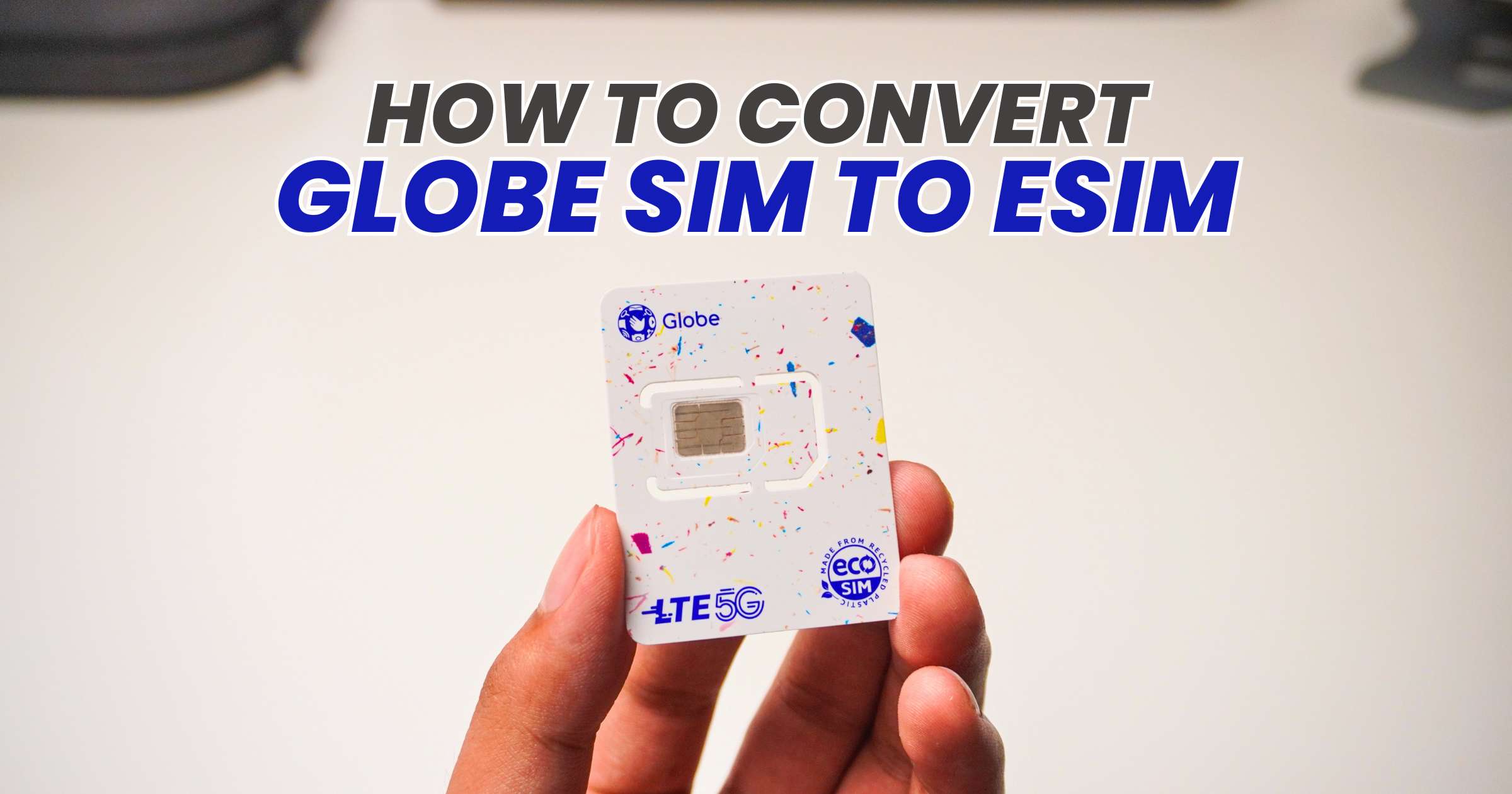
Planning to switch from a physical Globe SIM to an eSIM? Here’s a quick guide to help you convert while keeping your current mobile number.
Please note that you must first check if your phone is eSIM-compatible, has a stable internet connection, and has an eSIM slot available. You also have to ensure that all your contacts are saved from your SIM to your mobile phone.
Step-by-Step: Convert Globe SIM to eSIM on iPhone/Android
- Open the GlobeOne app and log in.
- Click SIM Services.
- Tap Change SIM.
- Select Change to an eSIM.
- Check the boxes and tap Continue.
- Enter the OTP sent to your number.
- Enter your Email address.
- Select your preferred Payment Method.
- Click Switch to eSIM and pay PHP99.
- Tap Download eSIM to this phone and click Yes.
- Save the eSIM QR Code shown in the app or the one sent to your email.
- Install your new Globe eSIM.
After installing your new Globe eSIM, you will be able to see it in your SIM settings.
You can check our tutorial on How To Install Globe eSIM for both iPhone and Android phones for a quick reference.
Step-by-Step YouTube Tutorial on How to Convert Globe Physical SIM to eSIM
Frequently Asked Questions
- Will my number change after converting to an eSIM?
- No. Your existing mobile number will remain the same after you switch from a physical SIM to an eSIM.
- Can I use a physical SIM again later?
- If you decide to switch back, you’ll need to follow Globe’s current SIM replacement or conversion process. You can contact Globe for their policies and assistance.
- Is my physical SIM still active after activating the eSIM?
- No. Activating the eSIM automatically deactivates the physical SIM.
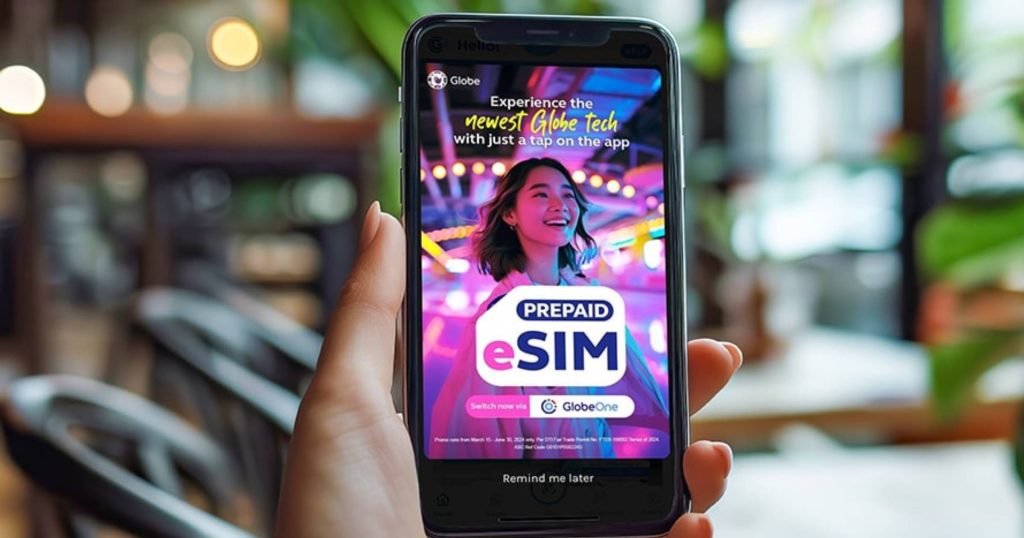
More eSIM tutorials
Looking for guides for other networks? You can also check out our tutorials on:
How to Convert a Physical SIM to an eSIM
- How to Convert Your DITO Physical SIM to eSIM
- How to Convert Your GOMO Physical SIM to eSIM
- How to Convert Your Smart Physical SIM to eSIM
How to Install eSIM
- How to Install DITO eSIM
- How to Install Globe eSIM
- How to Install GOMO eSIM
- How to Install Smart Prepaid eSIM
