



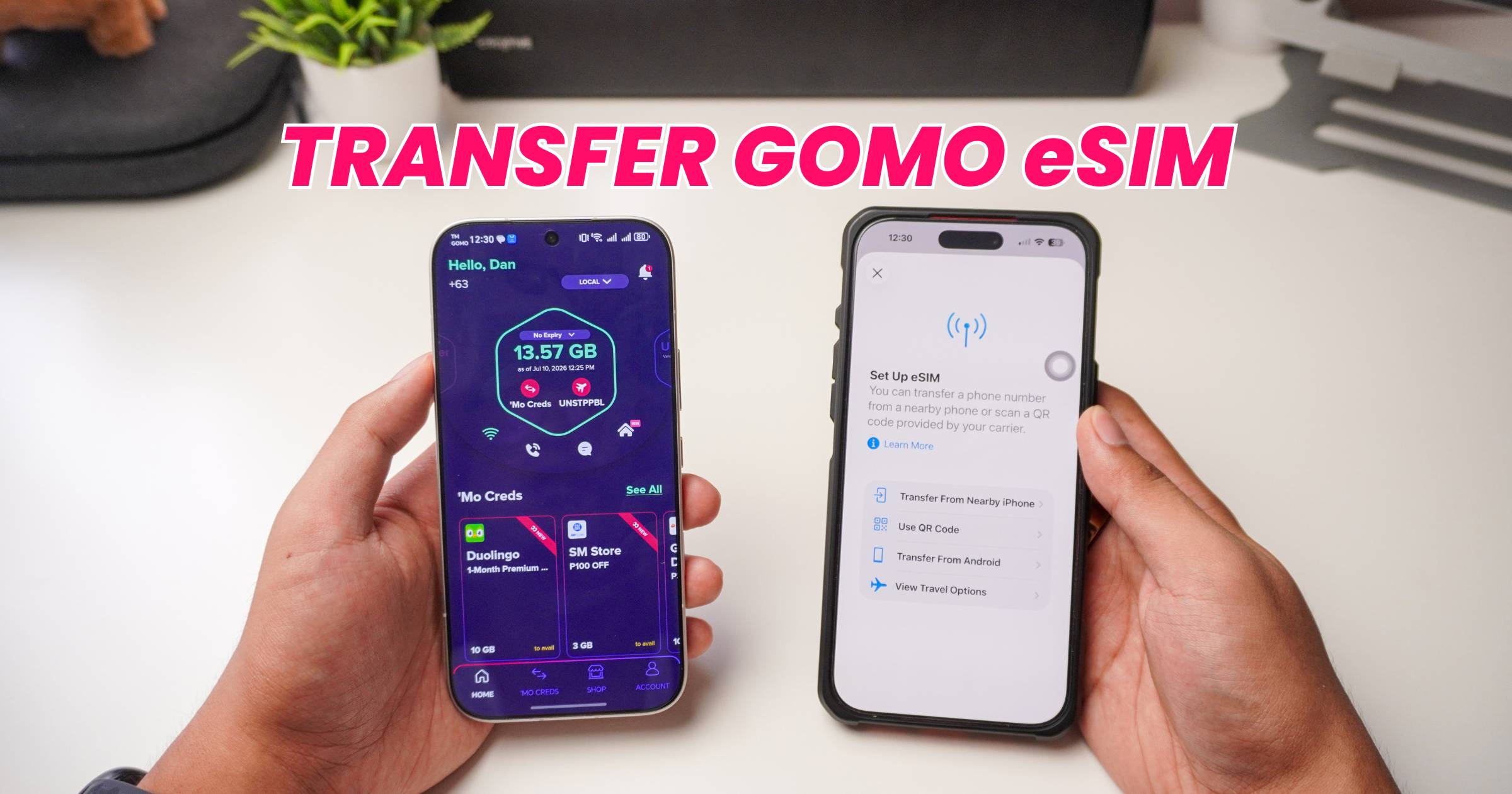
Planning to switch phones? Here’s how to transfer GOMO eSIM from one device to another using the same QR code sent to your email.
Before transferring your GOMO eSIM, make sure your new phone supports eSIM.
Transfer GOMO eSIM from Android to iPhone
On your Android phone
- Open Settings.
- Go to Connections (or Network & Internet).
- Click SIM Management.
- Select your GOMO eSIM.
- Tap Disable, then Delete.
On your iPhone
- Open Settings.
- Tap Cellular.
- Select Add eSIM.
- Tap Use QR Code.
- Scan the GOMO eSIM QR code from your previous email.
- Tap Continue until setup is complete.
Your GOMO eSIM should now appear under your available cellular plans.
Transfer GOMO eSIM from iPhone to Android
On your iPhone
- Open Settings.
- Tap Cellular.
- Select your GOMO eSIM.
- Turn it off, then Delete eSIM.
On your Android phone
- Open Settings.
- Go to Connections or Network & Internet.
- Tap SIM Manager.
- Select Add eSIM or Add Carrier.
- Tap Set up an eSIM.
- Select Scan QR Code.
- Scan the QR code from your previous email.
- Tap Set up, then click Settings.
- Once installed, select your GOMO eSIM and tap Enable.
As you can see, it’s almost the same, vice versa. After these steps, your GOMO eSIM should now be ready to use on your new Android phone.
Step-by-Step YouTube Tutorial on How to Transfer GOMO eSIM
Frequently Asked Questions
- Can I Reuse My GOMO eSIM QR Code?
- Yes. If you still have the original QR code sent by GOMO, this is what you need to install your eSIM on another compatible phone after removing it from your previous device.
- If you’ve lost the email containing your QR code, you’ll need to contact GOMO Customer Support for assistance.
- What If the eSIM Won’t Activate?
- Make sure it has been removed from your previous phone.
- Check if your new phone supports eSIM.
- Ensure you’re scanning the correct QR code.
- Try to restart your device after installation.
- Contact GOMO Support if the issue persists.
More eSIM tutorials
Looking for guides for other networks? You can also check out our tutorials on:
How to Transfer eSIM to Another Phone
- How to Transfer DITO eSIM to Another Phone
- How to Transfer Globe eSIM to Another Phone
- How to Transfer Smart eSIM to Another Phone
How to Convert a Physical SIM to an eSIM
- How to Convert Your DITO Physical SIM to eSIM
- How to Convert Your Globe Physical SIM to eSIM
- How to Convert Your GOMO Physical SIM to eSIM
- How to Convert Your Smart Physical SIM to eSIM
